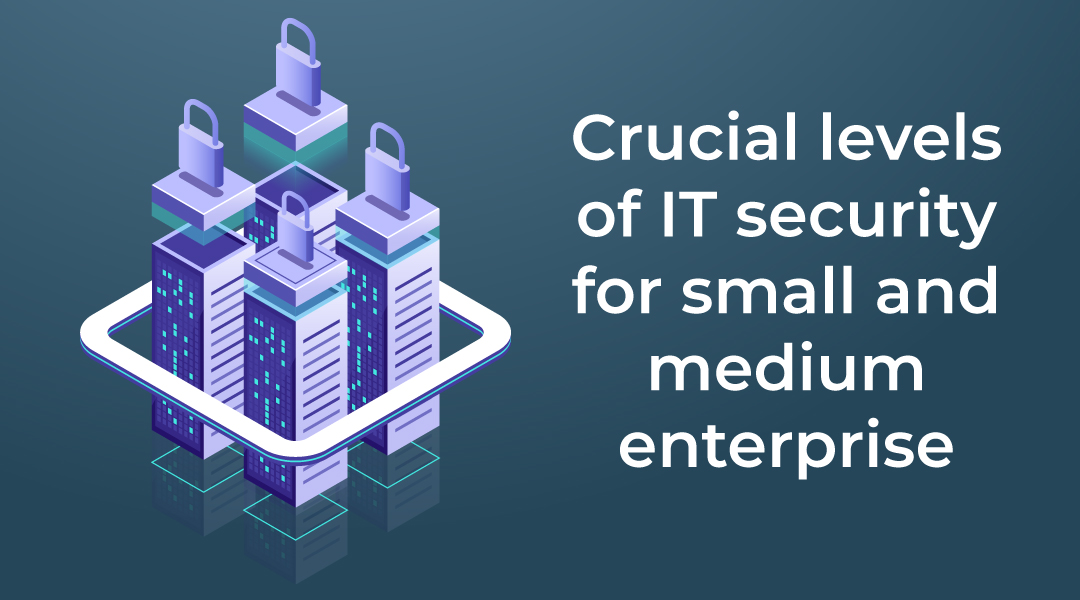
Outsourced IT security is a service model in which an external partner takes responsibility for protecting a company’s data, infrastructure, and systems. It is used when a business lacks the physical or human resources to manage security in-house, which is common among small and medium-sized businesses. A complete outsourced security approach covers seven core areas: security patching, intrusion detection, mail protection, secure disk wiping, IT audits, secure connections, and security awareness training.
What Is Security Patching and Why Does It Matter?
Security patching is a layer of protection that automates the installation of software patches at both the server and individual device level. Software vendors regularly release patches to fix bugs and vulnerabilities, but those patches do not install themselves. Someone has to apply them consistently, and any delay gives attackers more time to exploit a known weakness.
How Does Server Security Patching Work?
A server runs many applications, from browsers to more complex tools, and each one can contain bugs that an attacker could exploit to inject a virus or damage the environment. Delaying updates raises the risk that an intruder takes over the server and steals or destroys data.
Server security patching ensures each software component receives its security patches on time. Because vendors acknowledge faults and release patches regularly, but those patches do not install automatically, an external partner checks for available patches and installs them consistently so the infrastructure stays protected.
How Does Desktop Security Patching Work?
Patches matter at the individual device level too. Desktops connect to each other and to the server, so harm to one device can damage the whole IT environment and expose sensitive data. Individual users often postpone updates because they do not understand the importance, and that delay gives attackers more time to spread malware across the network.
Desktop security patching as a service solves this by checking for updates in the background, so the individual user does not have to do anything. When a vendor provides a fix, the patch installs automatically, and the user only needs to restart the machine to apply it.
What Is an Intrusion Detection System?
An intrusion detection system (IDS) is a service that monitors, analyses, and detects intrusions to protect an IT network. Once it detects an attack, it immediately raises an alert and takes steps to stop the malicious activity as quickly as possible.
Two methods work together to gather and analyse information from a computer, server, or network: a host intrusion detection system (HIDS) and a network intrusion detection system (NIDS). Both have advantages and limitations, so the strongest protection combines the two.
How Does a Network Intrusion Detection System Work?
A network intrusion system adds a layer of protection that recognises when an intruder tries to enter your network. For example, when a service requires login credentials, an attacker may try to guess them – sometimes using a tool that attempts a new guess every 10 seconds. When the number of attempts becomes suspicious, the system alerts the administrator so they can investigate and block the behaviour. In effect, a network intrusion system creates a filter that controls what comes in and what goes out.
How Does a Host Intrusion Detection System Work?
A host intrusion detection system monitors individual devices such as computers. If a device connects to a wider network, a server, or a cash register, an attacker may try to misuse it to reach the server. They might guess passwords to access sensitive databases, insert USB devices loaded with malicious software, or run programs that should not run. Some attacks use viruses such as Cryptolocker, which can quietly delete data before the user notices.
A host intrusion detection system runs a small component on the server that monitors inputs and outputs and checks whether they are malicious. It also detects when something is removed or replaced with something suspicious. For full coverage, every internet-connected computer on the network should run anti-threat, antivirus, and spyware-detection software.
Why Does Email Need Anti-Virus, Anti-Phishing, and Anti-Spam Protection?
Anyone can send an email, which makes mailboxes highly vulnerable to attacks such as phishing and ransomware.
Phishing is a social engineering attack used to steal user or company data, often by capturing login credentials or credit card numbers. It typically happens when a malicious sender poses as a trusted entity, such as a bank, and asks the recipient for login details while mimicking a legitimate organisation.
Mail protection provides filters that shield the mailbox from malicious sources, which means company data security no longer depends solely on the human factor and the security awareness of employees. This protection often accompanies mailbox backup and multi-factor authentication for a more complete defence.
What Is Secure Disk Wiping?
Secure disk wiping is the process of permanently destroying data on a hard drive before the drive is recycled or disposed of. When a drive breaks, becomes damaged, or falls out of support, a server replacement may follow, and the old data must be securely removed.
Disk wiping is more complex than simple deletion. When you delete data, it may disappear from view but still exist in another layer, which creates a data security risk. To fully wipe a drive, the data must be overwritten with new values. In practice, each disk is removed from the server and placed in a machine that overwrites it many times, following internationally recognised data destruction standards, so no recoverable data remains.
What Does an IT Audit Cover?
An IT audit is a review of a company’s full infrastructure as part of a holistic security approach, covering everything from physical premises to ICT.
A physical audit reviews the security of server rooms, camera coverage, the parking lot, and entrance doors to establish who can access the building or server rooms. An ICT audit gathers information on who can access the server and data, whether everything is security patched, whether employees are security trained, and whether they can recognise spam. Based on the findings, the business receives an advisory document that highlights the specific risks and pain points it should focus on.
What Are Secure Connections and Firewalls?
A firewall is the first line of defence for a network against intruders, securing it from all kinds of malicious traffic. A traditional setup places a firewall on the customer’s premises, while a cloud-first approach uses a cloud firewall instead. A cloud firewall lets a business secure all of its different premises with one firewall or firewall cluster, which scales more easily as the business grows.
Why Is Security Awareness Training Important?
IT security must be layered so that threats are prevented at every level of the organisation. Educating employees helps them understand network and host-based threats, create strong passwords, recognise malicious emails, and take precautions to protect company data. An effective approach uses continuous training in bite-sized portions combined with phishing simulations, so every part of the organisation understands how to protect its data.
FAQ
What is outsourced IT security?
Outsourced IT security is a service in which an external partner manages the protection of a company’s data, infrastructure, and systems, covering areas such as patching, intrusion detection, mail protection, disk wiping, audits, firewalls, and awareness training.
What is the difference between server and desktop security patching?
Server patching keeps the applications running on your servers up to date, while desktop patching keeps individual user devices current. Both matter because desktops connect to the server, so an unpatched device can put the whole environment at risk.
What is the difference between HIDS and NIDS?
A host intrusion detection system (HIDS) monitors individual devices such as computers, while a network intrusion detection system (NIDS) monitors traffic across the network. Combining both provides the strongest protection.
What is phishing?
Phishing is a social engineering attack that steals user or company data, often by capturing login credentials or credit card numbers. Attackers pose as a trusted entity, such as a bank, to deceive the recipient.
Why is secure disk wiping necessary before disposing of a drive?
Deleted data can still exist in another layer of the disk and remain recoverable. Secure disk wiping overwrites the data multiple times, following international data destruction standards, so no sensitive information can be retrieved after disposal.