Why Is Microsoft 365 a Strategic Investment for SMBs?
Microsoft 365 is a cloud-based subscription suite that gives small and medium-sized businesses (SMBs) access to productivity tools, collaboration features, and security capabilities without requiring large upfront software purchases. It is considered a strategic investment for SMBs because it addresses their most common IT constraints: limited budgets, small IT teams, security exposure, and the need to scale without disruption.
What IT Challenges Do SMBs Typically Face?
SMBs operate under a specific set of constraints that make IT investment decisions more complex than those of larger organizations:
- Budget limitations: Smaller budgets require careful evaluation of every IT investment to maximize value per euro or dollar spent.
- Limited IT personnel: Fewer internal resources make it difficult to manage and maintain complex IT systems.
- Scalability requirements: IT infrastructure must be able to grow with the business without requiring costly overhauls.
- Cybersecurity exposure: SMBs face the same security threats as larger organizations but often lack equivalent resources to address them.
- Vendor selection complexity: Choosing the wrong technology vendor can be costly and disruptive, and SMBs may not have the expertise for thorough vendor evaluations.
What Makes Microsoft 365 a Cost-Effective Choice for SMBs?
Microsoft 365 is a subscription-based model, meaning SMBs pay a predictable monthly or annual fee instead of making significant upfront capital investments in software licenses.
A subscription model is used when a business wants to avoid large one-time software costs and prefers expenses that align with its operating budget rather than its capital budget.
This structure eliminates the financial strain associated with traditional software purchases and makes budgeting more predictable for smaller organizations.
How Does Microsoft 365 Scale With a Growing SMB?
Scalability in Microsoft 365 means that businesses can add or remove user licenses and services as their needs change, without significant disruption or additional infrastructure investment.
Practical IT Example:
A company with 20 employees that grows to 45 over 18 months can add 25 Microsoft 365 user licenses incrementally without purchasing new servers, installing new software, or engaging in a complex migration. Conversely, if the business downsizes or restructures, licenses can be removed to reduce costs.
What Productivity Tools Does Microsoft 365 Provide?
Microsoft 365 gives SMB employees cloud-based access to core productivity applications including Word, Excel, and PowerPoint. Because these tools are cloud-based, employees can collaborate and work from any location with an internet connection.
What Is SharePoint Online and How Does It Benefit SMBs?
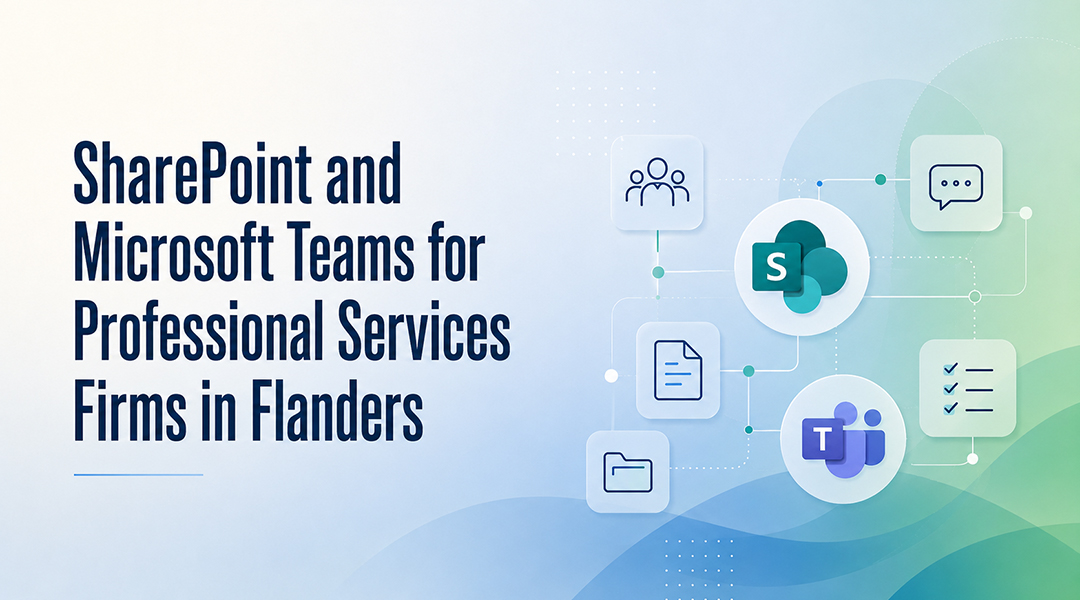
SharePoint Online is a cloud-based platform within Microsoft 365 used for storing, organizing, and collaborating on documents from any location.
SharePoint Online is used when teams need a centralized document repository with version control, real-time co-authoring, and controlled access to sensitive files.
Key capabilities relevant to SMBs:
- Document libraries with version history, so previous versions of files can be recovered
- Access control, allowing administrators to define user permissions and restrict access to sensitive information
- Mobile accessibility, enabling employees to work from different locations and devices
- Compliance support, helping SMBs meet data security and regulatory requirements
How Does an IT Partner Simplify Microsoft 365 Management for SMBs?
When an SMB uses Microsoft 365 through an IT partner, the partner takes on responsibility for managing the IT infrastructure. This includes:
- Keeping Microsoft 365 applications updated to the latest versions, removing the burden of manual software updates
- Implementing backup solutions to protect critical data and ensure redundancy
- Managing licenses so businesses can adjust their subscriptions as their needs evolve
An IT partner managing Microsoft 365 is used when an SMB does not have sufficient internal IT resources to manage updates, security configuration, and license administration on an ongoing basis.
FAQ
What is Microsoft 365?
Microsoft 365 is a cloud-based subscription suite that includes productivity tools such as Word, Excel, and PowerPoint, along with collaboration and security features, available through a monthly or annual subscription.
Why is Microsoft 365 considered a strategic investment for SMBs?
Because it replaces large upfront software costs with predictable subscription fees, scales with business growth, and reduces the internal IT workload through cloud-based management.
What is SharePoint Online used for in an SMB context?
SharePoint Online is used to centrally store and manage documents, enable real-time team collaboration, control access to sensitive files, and support remote or mobile work.
Can SMBs manage their own Microsoft 365 licenses?
Yes. SMBs can add or remove licenses independently as their needs change, either directly or with the support of an IT partner.
What does an IT partner add to a Microsoft 365 deployment?
An IT partner manages software updates, implements data backup solutions, and oversees license administration — tasks that would otherwise require dedicated internal IT resources.