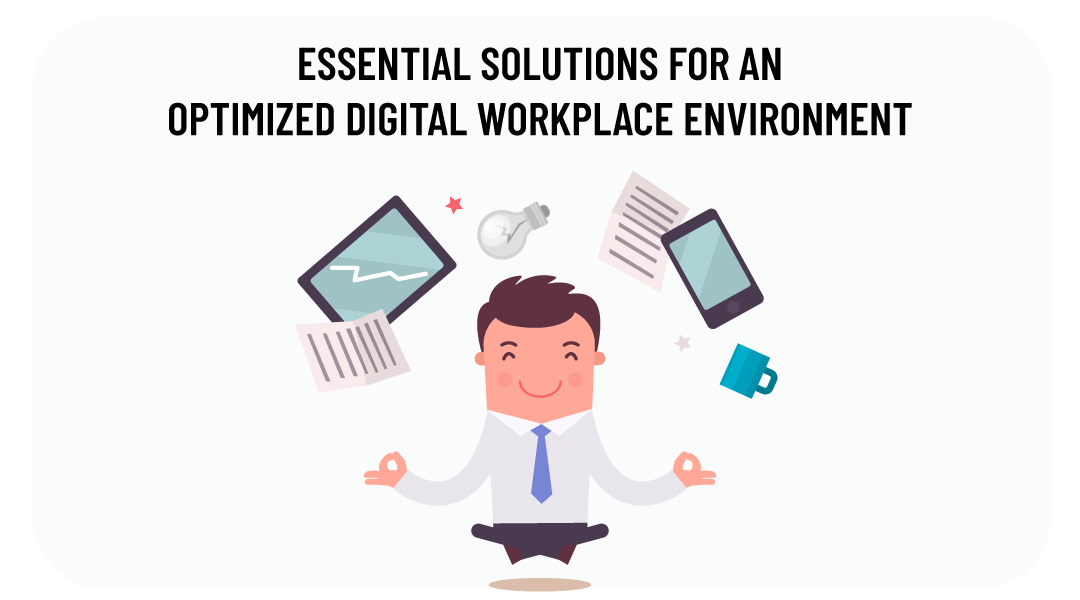
A digital workplace is a set of professional business tools and technologies that enables employees to work from any location, on any device, at any time. It covers both the hardware infrastructure and the software applications an organization relies on to operate.
A digital workplace is relevant for any organization that wants to support remote or hybrid work, maintain collaboration across teams, and protect its data. This article focuses specifically on Small and Medium-sized Businesses (SMBs).
What Hardware Does a Digital Workplace Require?
Hardware is the foundational infrastructure of a digital workplace. It includes physical devices such as computers, laptops, tablets, smartphones, and interconnected peripherals. These tools allow employees to access information, collaborate remotely, and execute tasks regardless of location.
What Hardware Does a Digital Workplace Require?
Hardware is the foundational infrastructure of a digital workplace. It includes physical devices such as computers, laptops, tablets, smartphones, and interconnected peripherals. These tools allow employees to access information, collaborate remotely, and execute tasks regardless of location.
What Kind of Business Devices Should an SMB Consider?
Professional business hardware refers to end-user devices – desktops, notebooks, phones, tablets, and peripherals – sourced from established technology brands. Examples of such brands include Apple, HP, Dell, Lenovo, and Microsoft.
Practical example: A distributed team of 20 employees working across two offices and from home requires a standardized device fleet. Selecting laptops from a single vendor simplifies driver management, warranty handling, and IT support ticketing.
What Are VoIP and Video Conferencing Systems?
VoIP (Voice over Internet Protocol) equipment is hardware that transmits voice and video communications over an internet connection rather than traditional phone lines. In a digital workplace context, this includes desk phones, DECT (wireless) phones, and dedicated video conferencing units.
VoIP is used when an organization needs reliable audio and video connectivity between distributed team members or with external contacts.
What Are Managed Printers?
A managed printer is a multifunctional printing device provided and maintained under a service contract. The service typically includes maintenance, monitoring, and a pay-per-print billing model.
Managed printers are used when an organization wants to reduce the administrative overhead of printer maintenance and control printing costs – both in office and home office environments.
What Software Does a Digital Workplace Require?
Software solutions in a digital workplace cover communication, collaboration, project management, security, and cloud-based services. Cloud-based services specifically offer scalable solutions for storage, data management, and application deployment.
Business applications and licenses
What Is Microsoft 365?
Microsoft 365 is a subscription service that bundles email hosting, office productivity applications, security features, and collaboration tools. It allows users to access files and applications from any device and location.
Microsoft 365 is used when an organization needs a unified platform for email, document creation, and team communication under a single subscription.
What Are Adobe Licenses?
Adobe licenses provide access to a suite of creative applications covering graphic design, video editing, and multimedia content creation.
What Tools Support Collaboration and Document Management?
What Is Microsoft Teams?
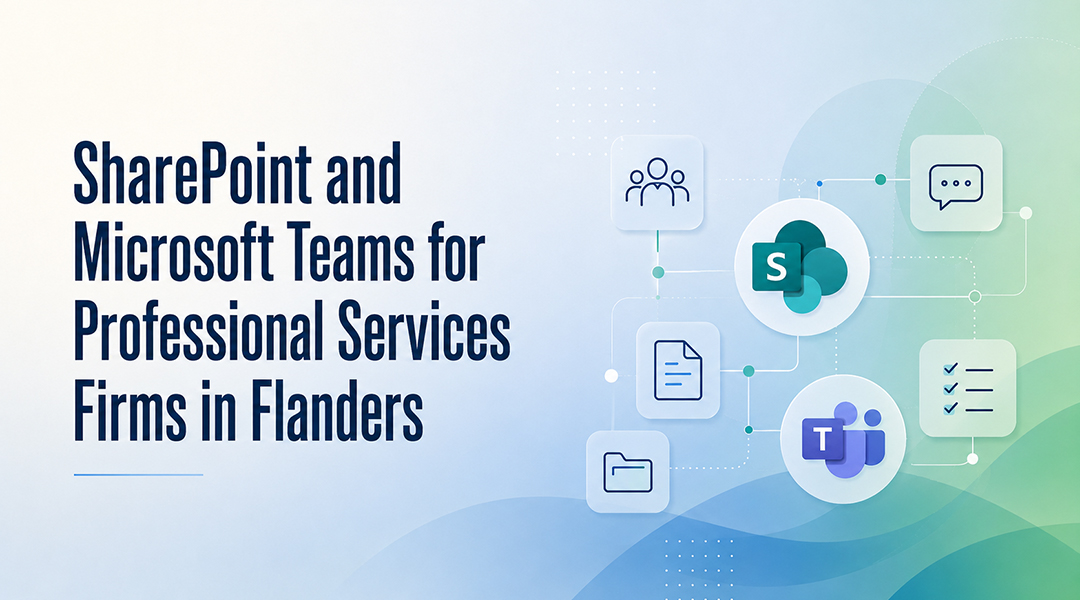
Microsoft Teams is a collaboration platform that combines instant messaging, video conferencing, file sharing, and project management in a single interface. It enables real-time teamwork across distributed teams.
Practical example: A software development team can use Microsoft Teams channels to separate discussions by project, share repository links, and hold sprint review calls – all within one application, without switching between tools.
What Is SharePoint Online?
SharePoint Online is a cloud-based platform for team collaboration and document management. It functions as a centralized hub where teams can store, organize, and access shared files and content.
SharePoint Online is used when an organization needs a structured environment for document storage with access controls, versioning, and integration with other Microsoft 365 tools.
What Telephony Software Is Used in a Digital Workplace?
What Is 3CX VoIP Software?
3CX is a cloud unified communications system designed for businesses of all sizes. It provides VoIP telephony features that support both internal and external communication workflows, it is used when an organization wants to consolidate its phone system into a software-based solution that integrates with existing infrastructure.
What Security Tools Does a Digital Workplace Need?
What Is Business Antivirus Software?
Business antivirus software is a security application that provides protection against malware, viruses, and other digital threats. It uses proactive threat detection and real-time scanning to protect organizational data.
Antivirus software is used when an organization needs to continuously monitor devices for threats and prevent unauthorized access to sensitive information.
Practical example: A company with 50 endpoints running remote desktop sessions is a higher-risk target for credential theft. A centrally managed antivirus solution allows IT administrators to view threat alerts and push updates from a single dashboard.
What Is Bitwarden?
Bitwarden is a password management tool that stores organizational passwords in one centralized, secure location. It reduces the risk of security breaches caused by weak or reused passwords.
Bitwarden is used when an organization wants to enforce consistent password hygiene across its workforce without requiring employees to remember or manually manage multiple credentials.
FAQ:
1. What is the difference between hardware and software in a digital workplace? Hardware refers to physical devices (computers, phones, printers). Software refers to applications and services (Microsoft 365, antivirus, collaboration tools). Both are required for a functioning digital workplace.
2. Is Microsoft 365 sufficient for collaboration in an SMB? Microsoft 365 includes email, office apps, Microsoft Teams, and SharePoint Online. For most SMBs, this covers the core requirements for communication, document management, and real-time collaboration.
3. When should an SMB use VoIP instead of a traditional phone system? VoIP is appropriate when an organization needs flexible, internet-based communication that supports remote workers, reduces telephony costs, or requires integration with software-based communication platforms.
4. What is the purpose of a password manager in a business context? A password manager such as Bitwarden centralizes credential storage, reduces the risk of breaches from weak or reused passwords, and allows employees to retrieve passwords securely without memorizing them.
5. What does “managed” mean in the context of managed printers? A managed printer is maintained, monitored, and supported by a service provider. The organization pays per print rather than managing hardware, consumables, and repairs internally.
How can ITAF help?
At ITAF, we are dedicated to providing comprehensive solutions to meet all your digital workplace needs. With our expertise and extensive range of offerings, including professional business hardware, cutting-edge software solutions, and top-notch support services, we can equip your organization with everything it needs to thrive in the modern business landscape.
From setting up powerful business collaboration platforms like SharePoint Online to implementing state-of-the-art VoIP telephony systems such as 3CX, from ensuring robust cybersecurity with the latest antivirus solutions to unleashing creativity with Adobe’s suite of design tools, and from streamlining password management with Bitwarden to providing ongoing support and monitoring, ITAF is your trusted partner for all things digital.
Get in touch with us today to discover how we can tailor these solutions to meet your organization’s unique requirements. Together, let’s embark on a journey towards a more efficient, productive, and secure digital workplace.