Why back up your data? A direct answer
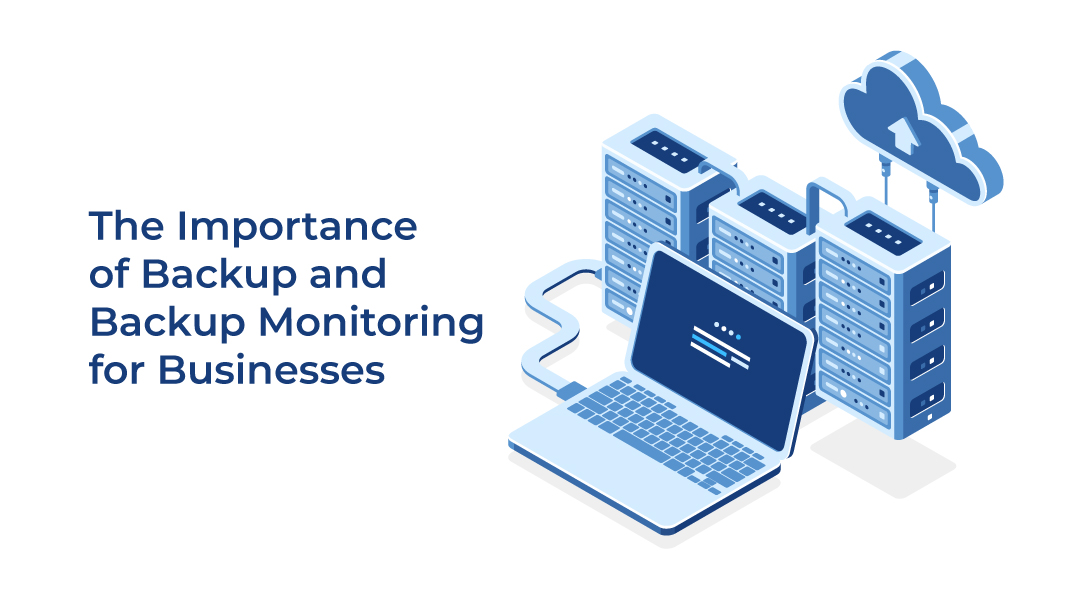
Data backup is the practice of creating copies of important data and storing them in a separate location so that data can be restored after loss. Companies back up their data to protect against loss caused by hardware failures, software errors, natural disasters, human error, and malicious attacks such as ransomware. Without a backup, a single incident (a fire, an accidental deletion, or an encryption attack) can permanently destroy critical business information and halt operations.
The clearest way to understand the risk is through three failures that only happen at companies without proper backups: files are encrypted by hackers and there is no backup; a server is destroyed by fire or flood and there is no backup; an administrator accidentally deletes a root folder and there is no backup. In each case, a working backup is the difference between a quick recovery and a permanent loss.
What is data backup?
Data backup is the process of creating and storing copies of important data in a separate location. A backup typically includes files, databases, virtual servers, and application data. In some cases it also involves custom backup solutions for individual applications.
Backup is used when a company needs to restore lost or damaged data after an incident. By keeping a copy of critical data (databases, server configurations, and other important business data), a company can recover information that would otherwise be gone.
What causes data loss?
Data loss is the unintended destruction or corruption of stored information. It has five common causes:
- Hardware failures: occur when a device such as a hard drive or server fails or becomes corrupted.
- Software errors: occur when a program or application malfunctions or crashes, which can destroy the data being processed at the time.
- Natural disasters: floods, earthquakes, and hurricanes can physically damage IT infrastructure or cause power outages that block access to data.
- Human error: occurs when an employee accidentally deletes or overwrites important data.
- Malicious attacks: viruses or ransomware can damage or encrypt important data.
Backups prevent data loss by providing a copy of important data that can be used to restore lost or damaged information.
IT example: ransomware
When ransomware encrypts a company’s files, the data on the primary systems becomes unusable. If a clean backup exists in a separate location, the company can restore its files from that copy instead of paying a ransom or losing the data entirely.
What is backup monitoring, and why is it essential?
Backup monitoring is the process of performing daily check-ups to confirm that backups are being performed correctly and alerting when issues are detected. It is usually done outside normal working hours to avoid disruptions.
Backup monitoring is essential because creating a backup is not enough on its own: a company also needs to confirm that the backup actually happened as intended. Monitoring systems let companies track their backups and identify and resolve any issues that arise. As the backup landscape has evolved, the need for robust monitoring systems has grown.
Why are cloud backups better than other backups?
A cloud backup is a backup stored on servers maintained by a professional service provider, usually in secure data centers. Cloud backups offer three main advantages:
- Reliability and security: the servers are located in secure data centers protected against physical hazards and other risks.
- Convenience: companies can access their backups from any device with an internet connection and restore data quickly, minimizing downtime.
- Scalability: cloud backups can expand to match a company’s growing data needs and adjust to changes in its IT infrastructure, which is useful for fast-growing or complex environments.
Why should backups be stored in a separate data center?
A data center is a facility that houses critical applications and data, containing a network of computers and storage systems connected to a high-speed network for efficient storage, processing, and distribution of large amounts of data. Data centers are designed to be secure and reliable, often with redundant power supplies, uninterruptible power supplies, fire suppression systems, and physical security measures, and they are typically located away from potential hazards.
Backups should be stored in a separate data center because even the most secure data center can experience a disaster. Storing backups in multiple locations protects against data loss and keeps a company operating during unforeseen events. For example, if a data center suffers a fire or earthquake, backups stored in a separate location remain safe and can be used to restore lost data. Separation also protects against malicious attacks by preventing an attacker from reaching both the primary data and the backups.
How can ITAF help with backup and monitoring?
ITAF is a backup provider that implements backup and backup monitoring solutions for a company’s IT infrastructure. As an IT infrastructure partner, ITAF implements backup solutions and maintains a presence in multiple data centers in Belgium, ensuring that a backup is always stored in a separate data center from the original data. ITAF also offers Microsoft 365 backup and can tailor backup solutions for individual applications.
ITAF monitors each backup to confirm it is working. The event management team monitors the tools, informs the company if a backup fails, and reruns failed backups to ensure a working copy exists. Monitoring is done daily to check backup status and alert on any updates or issues, and ITAF provides quarterly reports on backup settings.
FAQ
What is a data backup?
A data backup is a copy of important data (files, databases, virtual servers, and application data) stored in a separate location so it can be restored after loss.
What are the main causes of data loss?
Hardware failures, software errors, natural disasters, human error, and malicious attacks such as viruses or ransomware.
What is backup monitoring?
Backup monitoring is the daily process of checking that backups run correctly and alerting when problems are detected, usually outside working hours.
Why store backups in a separate data center?
Because even a secure data center can suffer a disaster or attack. A separate location keeps the backup safe if the primary site fails, so data can still be restored.
Does ITAF back up Microsoft 365 data?
Yes. ITAF offers Microsoft 365 backup and can also tailor backup solutions for individual applications.