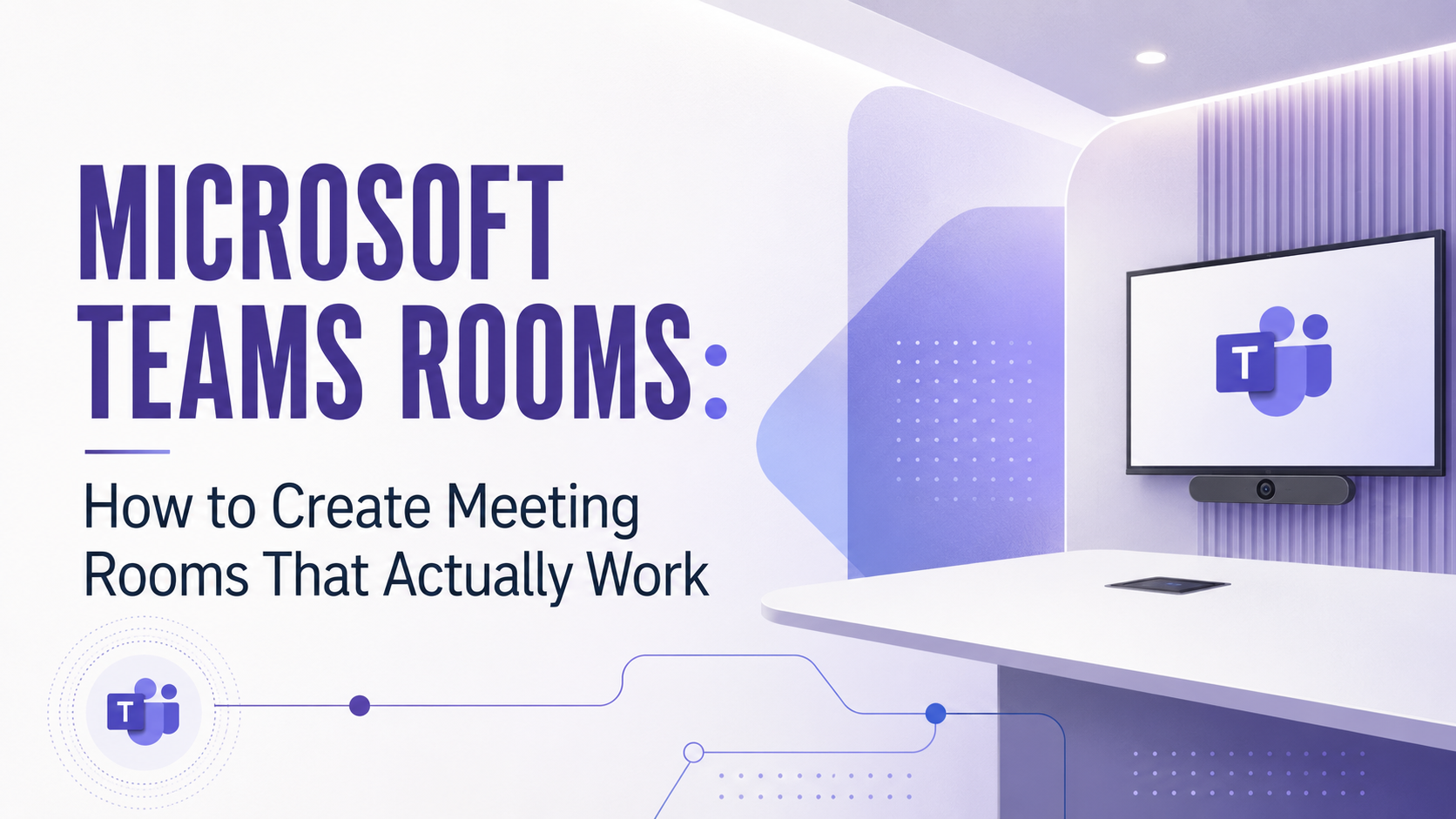
Microsoft Teams Rooms is a Microsoft solution that turns physical meeting rooms into fully equipped Teams meeting spaces, combining a room console, camera, microphones, speakers, displays, and calendar integration. For companies in Mechelen and across Flanders, it is one of the most practical ways to make hybrid meetings reliable – provided the project is approached as part of the broader Microsoft 365 workplace, not as a one-off hardware installation.
Hybrid meetings are now part of normal business life. Employees join from the office, from home, from customer sites, and from other branches. But many meeting rooms have not evolved at the same speed. A laptop on the table, a loose webcam, and a screen with the wrong cable may work for a quick call, but they do not deliver a dependable meeting experience. The real advantage of Microsoft Teams Rooms lies in the combination of five elements: Microsoft Teams, the right audio and video setup, room booking, user adoption, and ongoing IT support.
Why Does Meeting Room Technology Matter for Hybrid Work?
Poor meeting room technology creates daily friction that reduces productivity and makes hybrid collaboration feel unreliable. Typical symptoms include:
- Meetings start late because the screen does not connect
- Remote participants cannot hear everyone in the room clearly
- The wrong microphone or speaker is selected
- Someone has to join from a laptop just to share content
Good meeting room technology removes that friction. Employees should walk into a room, join a scheduled Teams meeting in one tap, and focus on the conversation instead of troubleshooting devices. Remote participants should feel included, not like second-class attendees watching the room from the outside.
What Can Microsoft Teams Rooms Do?
Microsoft Teams Rooms is a solution that brings the full Microsoft Teams meeting experience into physical meeting spaces. Depending on the room, a setup can include:
- A room console on the table for one-touch join and meeting controls
- Camera, microphones, and speakers matched to the size and acoustics of the room
- One or two displays for video and shared content
- Calendar integration, so the room shows its own schedule and scheduled meetings can be joined instantly
The result is a predictable meeting experience: people join from the room, share content, use the room’s audio and video, and collaborate with remote colleagues through Teams. For organisations already working in Microsoft 365, this keeps meeting room technology fully aligned with the collaboration platform employees use every day.
Why Should a Teams Rooms Project Start With Discovery?
Not every meeting room needs the same setup. A small huddle space, a management boardroom, and a client-facing presentation room each have different requirements. The right solution depends on:
- The number of people the room must accommodate
- The size, shape, lighting, and acoustics of the space
- Display and presentation needs
- Whether meetings are mostly internal or external
- The number of rooms and office locations involved
- Who will support the room when something goes wrong
A good partner starts with these questions before recommending any equipment. This discovery phase prevents two common and costly mistakes: overcomplicated setups that nobody uses fully, and underpowered setups that fail as soon as the room fills up.
What Is the Hidden IT Work Behind a Good Teams Room?
The visible hardware is only half of a Teams Rooms project. Behind the scenes, the Microsoft 365 environment must be configured correctly, which includes:
- Room resource accounts and licensing
- Calendar and room booking integration
- Device management and monitoring
- Security and compliance settings
- Network stability, both wired and wireless
- Support processes for when something goes wrong
If these elements are ignored, the room may look finished but still frustrate users every week. A reliable Teams Rooms deployment therefore requires both workplace technology knowledge and hands-on Microsoft 365 expertise.
FAQ
What is Microsoft Teams Rooms?
Microsoft Teams Rooms is a certified combination of software and hardware that turns a physical meeting room into a native Microsoft Teams meeting space, with one-touch join, room audio and video, content sharing, and calendar integration.
Is Microsoft Teams Rooms suitable for small companies?
Yes. Teams Rooms scales from small huddle spaces with a single all-in-one video bar to large boardrooms with multiple cameras and microphones. For SMEs, a right-sized setup is often more affordable than the productivity lost to unreliable meetings.
What does a Teams Rooms project include besides hardware?
A complete project includes Microsoft 365 configuration such as room accounts, calendar integration, device management, and security, along with network preparation, installation, user adoption, and an agreed support process.
Who supports Teams Rooms after installation?
That depends on your IT partner. Ongoing management and support can be arranged as part of a Modern Workplace service, so the rooms stay reliable long after the installation is finished.