
How do you prevent a CryptoLocker attack?
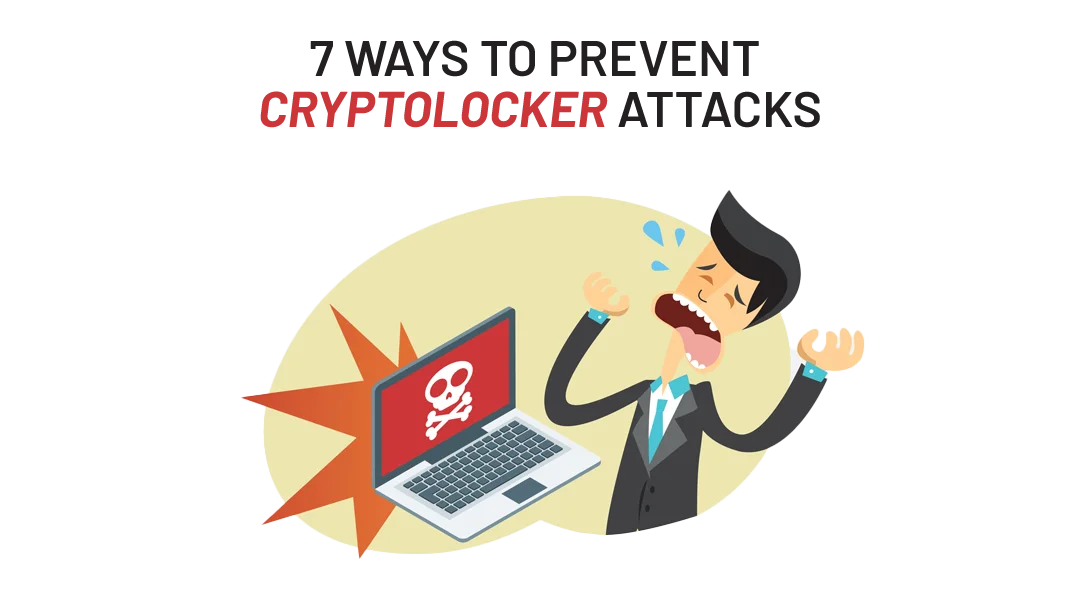
You prevent a CryptoLocker attack with seven measures: back up your data regularly, educate your employees, use an up-to-date antivirus, keep your operating system and software current, limit user permissions, use advanced firewall tools, and filter suspicious mail with a spamcluster. Together these steps protect your business files from an attack that starts with a single click.
Your business files can disappear in a second with one simple click. Many businesses have already been through it. Data loss can happen at any time and in many ways: a physical failure of your PC, theft, fire, a dropped coffee mug, or a cyber crime such as hacking.
What is CryptoLocker?
CryptoLocker is a ransomware trojan that targets computers running Microsoft Windows. It appeared in 2013 and typically spreads as an email attachment from what looks like a legitimate company. The mail may seem harmless, but one click turns it into a real nightmare for your business.
How do you prevent a CryptoLocker attack in 7 steps?
1. Back up your data
You defeat ransomware best with a regular, updated backup. If an attack hits your system, you may lose this morning’s work. The rest of your business data you simply restore from the previous backup.
2. Educate your employees about CryptoLocker
CryptoLocker reaches your computer through an infected attachment in the mail. So the best prevention is to educate your employees. They need to recognize unwanted or suspicious mail and delete it right away. CryptoLocker comes as an .exe file (for example: Invoice.pdf.exe), an executable file that is unsafe to open when it comes from an email or the internet. You educate your employees best with continuous security awareness training and phishing simulations.
3. Use an antivirus and keep it up to date
Many CryptoLocker victims had malware on their PC without even knowing it. A cloud-based security solution protects you against all major threats, including CryptoLocker, at all times. Prevention is the first step to safety.
4. Keep your operating system and software up to date
Malware authors often target people who run outdated software with known vulnerabilities. Through those security holes, they sneak into computers unnoticed. Enable automatic updates where you can, or go directly to the software vendor’s website. Malware authors also like to disguise their creations as software update notifications.
5. Review your user permissions and tighten up where you can
Make sure none of your users have local administrator rights unless it is absolutely necessary.
6. Use advanced firewall tools that block encrypted methods
A cloud-based security intelligence network detects and blocks malware with improved sandbox technology. It blocks every known malware automatically and places suspicious files in isolation. There it tests them thoroughly before an infection can occur.
7. Use the ITAF Spamcluster
Mail you never receive is mail you never open. ITAF provides a spamcluster that filters mail with suspicious attachments. This way the end user never sees the fake email and never gets the chance to open the infected attachment. Either way, prevention is always the best cure.
What if it is too late to prevent a CryptoLocker attack?
CryptoLocker locks extensions you use every day, from docx, xlsx, pptx and jpg to mp3 and more. If it is too late, these files are impacted:
- all files on your local PC;
- all files on the fileserver you have access to. And yes, it easily impacts the whole business.
Act before it is too late. Protect your business files within a private cloud solution and keep your employees educated about CryptoLocker attacks. Prevention is always the best cure. Contact us for more information.
FAQ
What is CryptoLocker?
CryptoLocker is a ransomware trojan that attacks Windows computers. It hides in email attachments and encrypts your files once you open the attachment.
How does CryptoLocker get onto my computer?
Through an infected email attachment. It often takes the form of an .exe file, such as Invoice.pdf.exe, which is executable and unsafe to open.
What is the best protection against CryptoLocker?
A combination of measures: regular backups, employee education, up-to-date antivirus and software, limited user permissions, firewall tools, and a spam filter. Prevention works better than recovery.
Which files does CryptoLocker impact?
All files on your local PC and on any fileserver you have access to. It locks common extensions such as docx, xlsx, pptx, jpg and mp3.
What do I do if I am already hit?
Restore your data from a recent backup and protect your files within a private cloud solution. Contact ITAF for more information.