Professional services firms run on information. Client documents, internal knowledge, deadlines, advice, approvals, and communication all need to be organised and accessible. For law firms, accounting practices, consultants, and advisory firms, Microsoft SharePoint and Microsoft Teams can become the foundation for better collaboration. But successful collaboration does not happen automatically when the tools are activated. Without structure, Teams becomes noisy and SharePoint becomes confusing. The goal for professional services firms in Flanders should be simple: create a Microsoft 365 environment that supports client work, protects information, and stays easy for employees to use.
Why Do Professional Services Firms Need Structure?
Professional services work is document-heavy. Client files need to be organised, versions need to be clear, and employees need to find the right information quickly. At the same time, confidentiality is essential. Not every employee should have access to every client file, and external sharing must be controlled carefully.
This makes the design of SharePoint and Teams important. A casual setup may work at the beginning, but as the firm grows it leads to confusion:
- Too many Teams: Channels multiply without clear oversight
- Unclear site ownership: Governance lapses when responsibilities are unassigned
- Inconsistent document libraries: File retrieval becomes difficult due to fragmented storage
What Is the Difference Between Teams, SharePoint, and OneDrive?
One common challenge is that users do not always understand where information should live. When no one explains this distinction, users fall back on their own habits. Some store shared files in personal OneDrive folders. Others create new Teams for every small topic. Over time, the environment becomes difficult to manage.
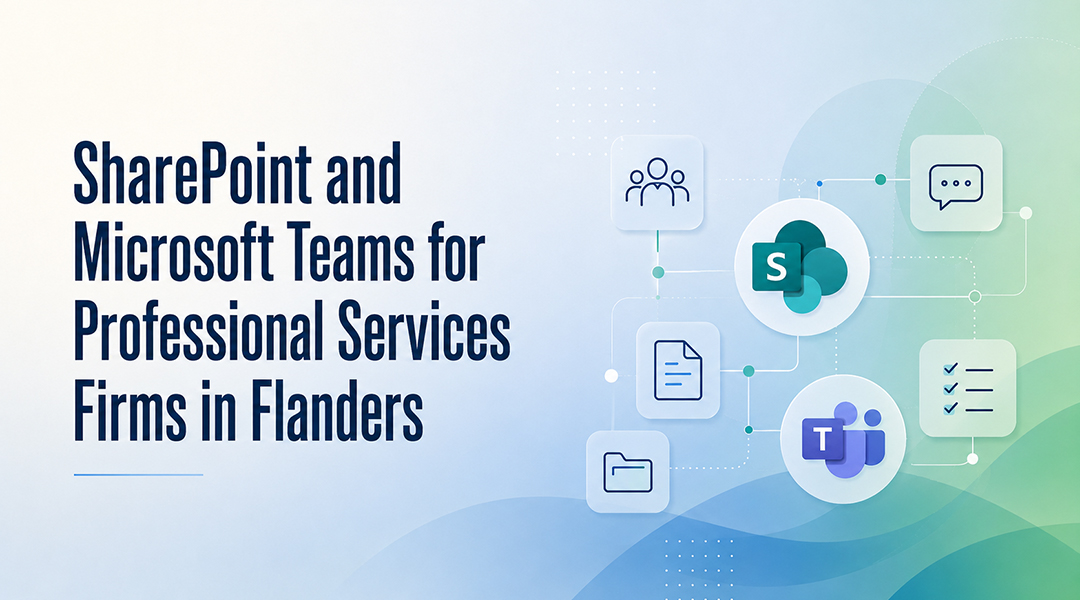
Each tool has a distinct purpose:
- Microsoft Teams: Useful for day-to-day collaboration and conversations
- SharePoint: The right place for shared team or client documentation
- OneDrive: Better suited for personal work files and drafts before they are shared with others
What Should a Good Implementation Include?
A good SharePoint and Teams setup starts with information architecture. Naming conventions, site ownership, and access rules should be clear from the start. Governance does not have to be complicated. It simply means the organisation agrees on how Teams and SharePoint should be used.
Four key governance questions need answering:
- How are client files, departments, internal procedures, and project work organised?
- Who can create new Teams, and who owns permissions?
- How is external sharing handled?
- What happens when a client project ends?
These practical decisions keep the environment clean as the firm grows.
What Security and Compliance Factors Matter?
Professional services firms often handle sensitive information, so collaboration tools must be configured with security in mind. Collaboration and security are connected. A SharePoint implementation that ignores permissions and governance creates risk, while a security setup that is too restrictive frustrates users. The balance matters.
Three core protection pillars deserve attention:
- Access control and identity protection
- Device management
- Backup and recovery as part of the wider Microsoft 365 environment
FAQ
Why do professional services firms need a specific structure for SharePoint and Teams?
Professional services firms handle a high volume of sensitive, document-heavy client work. Without a strict information architecture and governance framework, document version control fails, data confidentiality is put at risk, and files become scattered across unmanaged channels.
What is the operational distinction between Microsoft Teams, SharePoint, and OneDrive?
Microsoft Teams is designed for real-time communication and daily collaboration. SharePoint acts as the centralised repository for shared corporate and client files, while OneDrive is reserved for individual user drafts and personal work documents before they are shared.
How can a firm maintain strong compliance and security without hurting user adoption?
By implementing balanced governance that automates security configurations – such as proper access permissions, external sharing rules, and identity protection – behind the scenes. This keeps the secure way of working the easiest path for the employee.
How do you ensure long-term stability for a Microsoft 365 collaboration environment?
Long-term stability comes from embedding SharePoint and Teams into a broader managed IT framework rather than treating them as a one-off setup. That means designing the initial structure, managing user adoption, and providing ongoing support that covers everything from backups to device management.