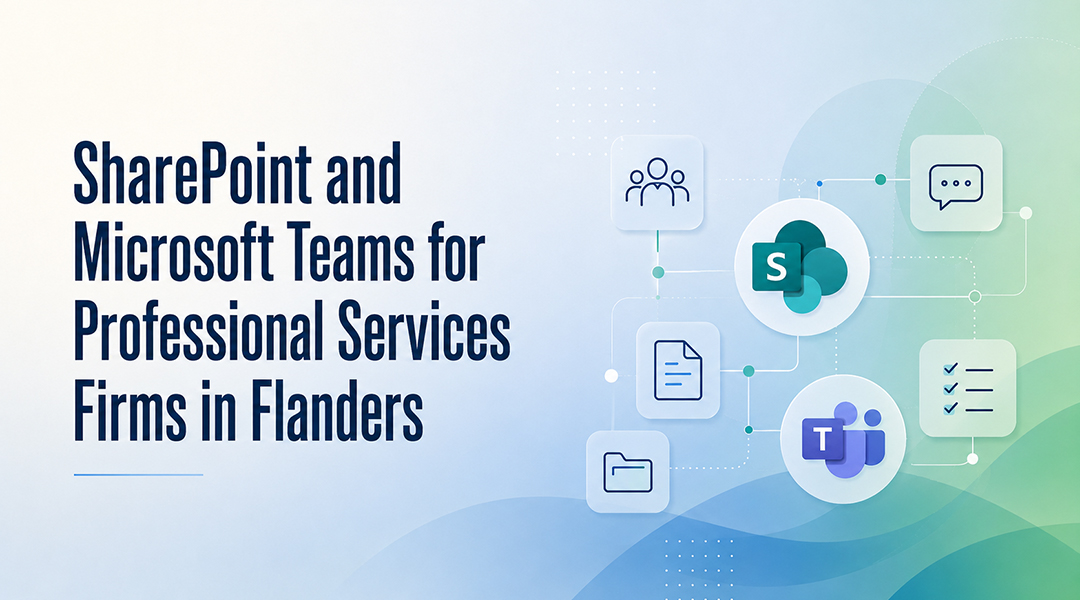
SharePoint is a cloud-based document management platform that allows law firms to store, organize and share files with granular access control and audit capabilities. For law firms in Flanders, it provides a structured and GDPR-compliant foundation for managing confidential client files, internal procedures and external communications, provided it is correctly configured. This article explains how to design a robust permission structure, how to set up a secure client portal, and which common pitfalls law firms in Flanders should avoid when deploying SharePoint.
Law firms handle particularly sensitive information every day: pleadings, negotiation strategies, client secrets and confidential communications. How this information is managed, shared and secured has direct implications for professional liability and obligations under the GDPR.
Microsoft SharePoint, when correctly configured, provides a powerful and secure foundation for document management in a law firm. The key phrase here is correctly configured.
Why Is SharePoint Well Suited for Law Firms?
SharePoint offers several advantages that are especially relevant in legal environments:
- Centralised document management: all files stored in one place, searchable and version-controlled
- Granular access control: permissions can be defined at site, library, folder or file level
- Microsoft 365 integration: seamless connection with Outlook, Teams, Word and Excel
- Audit and logging capabilities: access and changes can be traced via Microsoft 365 audit logs*
- Scalability: suitable for both small practices and multi-location law firms
*Availability and retention of audit data depend on Microsoft 365 licensing and the policies configured during implementation.
Out of the box, however, SharePoint is not automatically suitable for a law firm. Default settings are often too permissive, and without a clearly designed structure and governance model, the environment can quickly become fragmented and difficult to manage.
How Should Permissions Be Structured for Legal Files?
What Is a Permission Structure in SharePoint?
A permission structure in SharePoint is a defined set of access rules that determines who can view, edit or manage documents within a specific site, library, folder or file. In a legal environment, a well-designed permission structure is the primary mechanism for enforcing confidentiality.
One of the most common mistakes in legal SharePoint environments is an overly flat or overly complex permission structure. The most effective approach is a clear hierarchical model with three levels.
What Are the Three Permission Levels for Law Firms?
Level 1: Firm-wide information
A shared library for non-confidential information such as templates, procedures, internal guidelines and HR documentation. Accessible to all employees, typically with read or limited edit permissions.
Level 2: Practice group or team
Separate libraries per practice group (for example real estate, corporate law, family law). Access is limited to members of that practice group. Documents are visible to the team, while editing rights can be restricted to the responsible lawyers and their assistants.
Level 3: File level (strictly confidential)
Certain matters require additional protection: conflict-sensitive cases, files involving opposing parties. These files are stored in dedicated folders with explicitly restricted permissions, accessible only to authorised lawyers.
Which Permission Roles Are Used in SharePoint for Legal Teams?
Typical permission roles include:
- Owner: responsible lawyer or file manager, with full control
- Edit: lawyers and staff actively working on the file
- Contribute: secretarial staff or trainees, allowed to add but not delete documents
- Read: lawyers who may consult the file without editing rights
- No access: users who cannot see or find the file at all
Using Entra ID security groups rather than individual users keeps permission management manageable and reduces the risk of errors.
How Do You Set Up a Secure Client Portal in SharePoint?
A client portal is a secured digital environment where law firms can share documents with clients, without relying on email or consumer file-sharing platforms that are unsuitable for confidential legal data.
What Are the Options for a SharePoint-Based Client Portal?
There are two commonly used approaches:
External sharing in SharePoint Specific folders or files are shared with clients via guest access or secured links. This approach is relatively simple and suitable for occasional or ad hoc sharing.
Dedicated client portal (SharePoint combined with Power Apps) A structured, branded portal where each client only sees their own files. This option is better suited for firms that work with a client portal on a structural basis.
What Security Measures Does a Client Portal Require?
Key security requirements include:
- Multi-factor authentication (MFA) for external users
- Expiry dates on shared links
- Download restrictions where appropriate
- Audit logging to track access to client documents
- Data Loss Prevention (DLP) policies to prevent unintended sharing of sensitive information
The exact configuration depends on the firm’s risk profile and regulatory obligations.
How Does SharePoint Integrate with Microsoft Teams and Outlook?
SharePoint is most effective when used as part of the wider Microsoft 365 ecosystem:
- Teams and SharePoint: every Teams channel is backed by a SharePoint document library, ensuring consistent permissions and version control
- Outlook and SharePoint: email attachments can be stored directly in the correct SharePoint location, allowing client communications to be linked to the relevant file
- Power Automate: workflows can be created for document approval, notifications, or archiving of closed matters
These integrations significantly reduce reliance on email attachments and improve traceability.
What Are the Most Common Pitfalls in Legal SharePoint Environments?
Law firms often encounter the same issues:
- Lack of governance: unclear rules around site creation and permission management
- Excessive permission breaking: folder-level permissions applied too frequently without structure
- Insufficient training: users fall back to email if they are unsure how to work with SharePoint
- Assuming SharePoint is a backup: Microsoft provides availability and retention features, but a separate backup solution is required for full protection and recovery scenarios
Frequently Asked Questions
What is SharePoint used for in a law firm?
SharePoint is used in law firms to centrally store, manage and share documents with role-based access control, version history and audit logging, replacing fragmented email-based file sharing.
Can SharePoint be used for archiving closed files?
Yes. Microsoft Purview retention policies can automatically archive or delete documents based on defined retention periods.
How do we prevent lawyers from accessing each other’s confidential files?
By using strict permission groups, Entra ID security groups and a governance model that prevents ad-hoc permission changes.
Is a SharePoint client portal accessible on mobile devices?
Yes. SharePoint is accessible via web browsers and the SharePoint app on iOS and Android.
Can SharePoint be integrated with case management software?
That depends on the vendor. Some legal applications offer native Microsoft 365 integrations or APIs. Integration possibilities should be assessed case by case.
Does SharePoint replace a backup solution?
No. SharePoint is not a backup solution. Microsoft provides availability and retention features, but a separate backup solution is required for complete data protection and recovery scenarios.
Is SharePoint GDPR-compliant for law firms in Flanders?
SharePoint can be configured to support GDPR compliance, including data residency in the EU, audit logging and DLP policies, but compliance depends on correct configuration and governance, not on the platform alone.