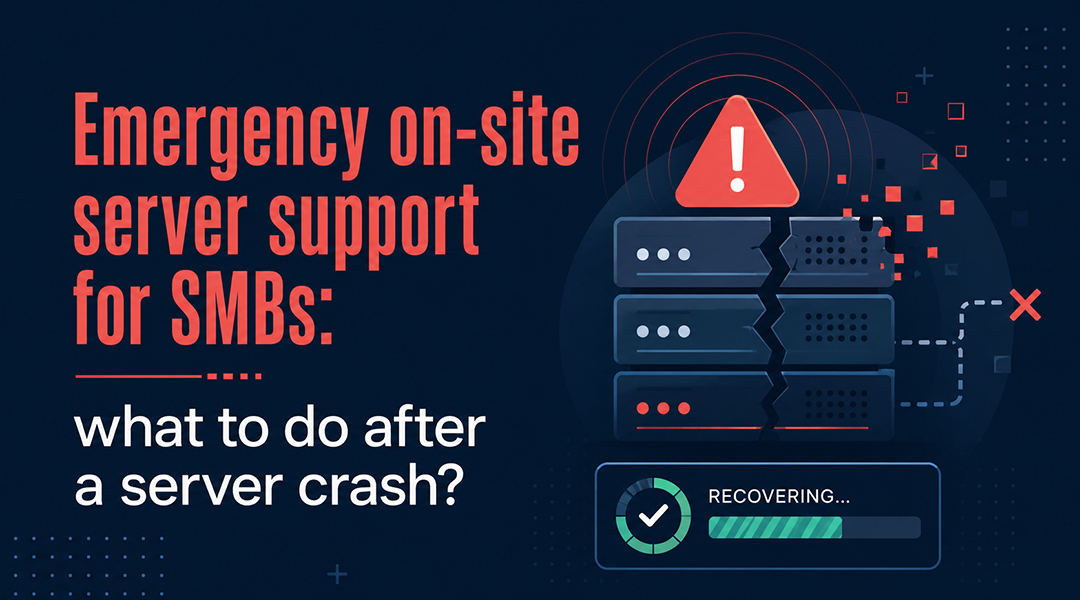
A server crash happens when the central computer system running your network fails unexpectedly, resulting in immediate business downtime. When this occurs, employees lose access to files, email goes down, and accounting software becomes unreachable. Productivity drops to zero, costing your business money every minute. To get back on track, you need a clear response plan. This involves calling professional IT support immediately, documenting hardware indicators, and avoiding manual reboots that can lead to permanent data loss. For SMBs in Flanders and Brussels, fast recovery typically requires a combination of remote diagnostics and hands-on on-site hardware repairs to restore full business continuity.
1. What should you do in the first 30 minutes after a server crash?
Panic is a normal reaction when your business stops, but you must stay methodical. Incident response is the process you follow to identify, contain, and fix a technical failure. Follow these steps in order:
- Call your IT partner or helpdesk immediately: Time is your most valuable resource. Tell them exactly what you see. Look for error messages or flashing red/orange lights on the server box. Note the exact time the trouble started.
- Do not restart the server without guidance: A forced restart is used when a system freezes, but during a crash, this can cause permanent data loss or destroy a failing hard drive.
- Document the situation: Take clear photos of any error messages or status lights. This visual information helps engineers diagnose the problem before they arrive at your office.
- Communicate with your team: Give employees a realistic idea of the impact.
- Check for workarounds: If you use a hybrid setup, see if cloud systems like Microsoft 365 or SharePoint are accessible via mobile data.
2. On-site versus remote support: when is physical presence necessary?
We resolve most IT incidents using remote management tools. Remote support is used when software settings, updates, or minor errors can be reached over the internet. However, we must be there in person when the hardware fails. Physical presence is required for:
- Hardware failure: Replacing parts like hard disks, power supplies, or memory modules.
- Boot failures: If a server will not start or the network is dead, remote access is impossible.
- Environmental issues: This includes overheating in the server room or a failed UPS (Uninterruptible Power Supply).
- Connectivity outages: If the entire office gateway is down, we must go on-site.
3. How do response times and SLA-based support work?
A Service Level Agreement (SLA) is a contract that defines the maximum time a provider has to respond to and solve a problem. Under a managed service agreement, we prioritize critical issues based on business impact.
- Classification: A server crash stopping the whole company is always a “Critical” priority.
- First Response: The target time for a technician to start working on your ticket.
- 24/7 Support: For businesses that cannot afford downtime, on-call service gives you access to an emergency number at any time.
4. What are the common causes of server crashes in SMBs?
Knowing the cause helps prevent the next one. The most frequent causes are:
- Hardware failure: Usually affecting old parts running for more than five years.
- Environmental stress: Overheating due to poor cooling or dust.
- Cybersecurity: Ransomware or malware locking the operating system.
- Configuration errors: Failed updates or human mistakes during system changes.
5. How can you prevent the next crash through proactive management?
Proactive management is the practice of maintaining systems to fix small issues before they become crashes. A strong infrastructure needs:
- 24/7 Monitoring: Tracking server health in real-time.
- Backup Management: Implementing routines and performing regular “test restores.”
- Infrastructure Lifecycle: Planning a move to the cloud or buying new gear before the five-year mark to avoid “legacy” risks.
Frequently Asked Questions
Can we reach support outside office hours?
Yes, if included in your contract, ITAF provides 24/7 on-call support.
Our server is older than five years. What should we do?
Old gear is a liability. We recommend a cost analysis to see if you should move to the cloud.
Does RAID protect our data?
RAID is used when you need hardware redundancy, but it is not a backup. You still need a separate off-site backup.
What if the incident is ransomware?
We follow a protocol to contain the threat and restore from clean backups, ensuring GDPR and NIS2 standards are met.