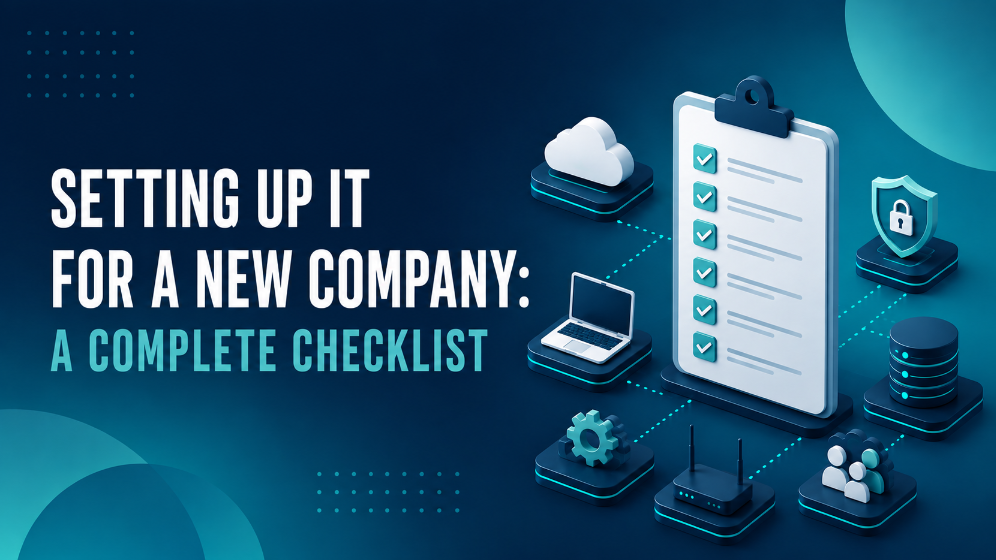
Setting up a new office IT environment is the process of preparing all technical systems – including network infrastructure, hardware installation, server setup, and conferencing capabilities, so that staff can work without delays or downtime from day one. From connectivity to security, getting your new workspace fully operational requires careful planning and expert onsite IT services.
This article answers the most common implementation questions and organizes the setup into clear, practical steps.
What Is Network Infrastructure and Why Is It Important?
Network infrastructure is the system of cabling, access points, and networking devices that connects devices and users in a workspace.
A stable network is the backbone of any modern office. To ensure smooth connectivity, it’s important to set up structured cabling for copper, fiber, and Wi-Fi. Installing both indoor and outdoor cables and terminating them properly ensures reliable network connectivity across the office. Proper network design and planning help avoid downtime and optimize communication throughout your workspace.
Careful assessment of your office layout will ensure that you install cabling in the best locations for fast, reliable access throughout the office.
What Is Rack Management and Server Setup?
Rack management is the organization of physical IT hardware such as servers and switches in a dedicated cabinet.
When opening a new office, a well-organized IT rack is key to smooth operations and long-term reliability. Proper cable management reduces clutter, prevents tangling, and simplifies troubleshooting—essential for handling early issues and future expansions.
Good rack organization also ensures proper airflow, preventing overheating and protecting hardware from dust buildup that can cause wear and tear over time. This not only extends the equipment’s lifespan but also reduces maintenance costs.
A clearly structured rack with labeled cables makes upgrades and repairs faster, minimizing downtime as your business grows. Additionally, a clean, dust-free rack lowers fire risks and prevents static damage to sensitive equipment.
When Is a Wireless Point-to-Point Connection Used?
A wireless point-to-point connection is used to link multiple buildings or remote parts of a workspace without laying underground cable.
For offices spanning multiple buildings, point-to-point wireless setups provide fast, secure communication without the need for expensive underground cabling. These connections are ideal for linking separate office spaces, warehouses, or remote facilities, ensuring they operate as one unified network. A properly configured point-to-point system offers high-speed data transfer, low latency, and strong security, making it suitable for both daily operations and heavy tasks like video conferencing or large file sharing.
What Are Video Conferencing Solutions?
Video conferencing solutions are the hardware and software systems that enable live meetings with remote teams and clients.
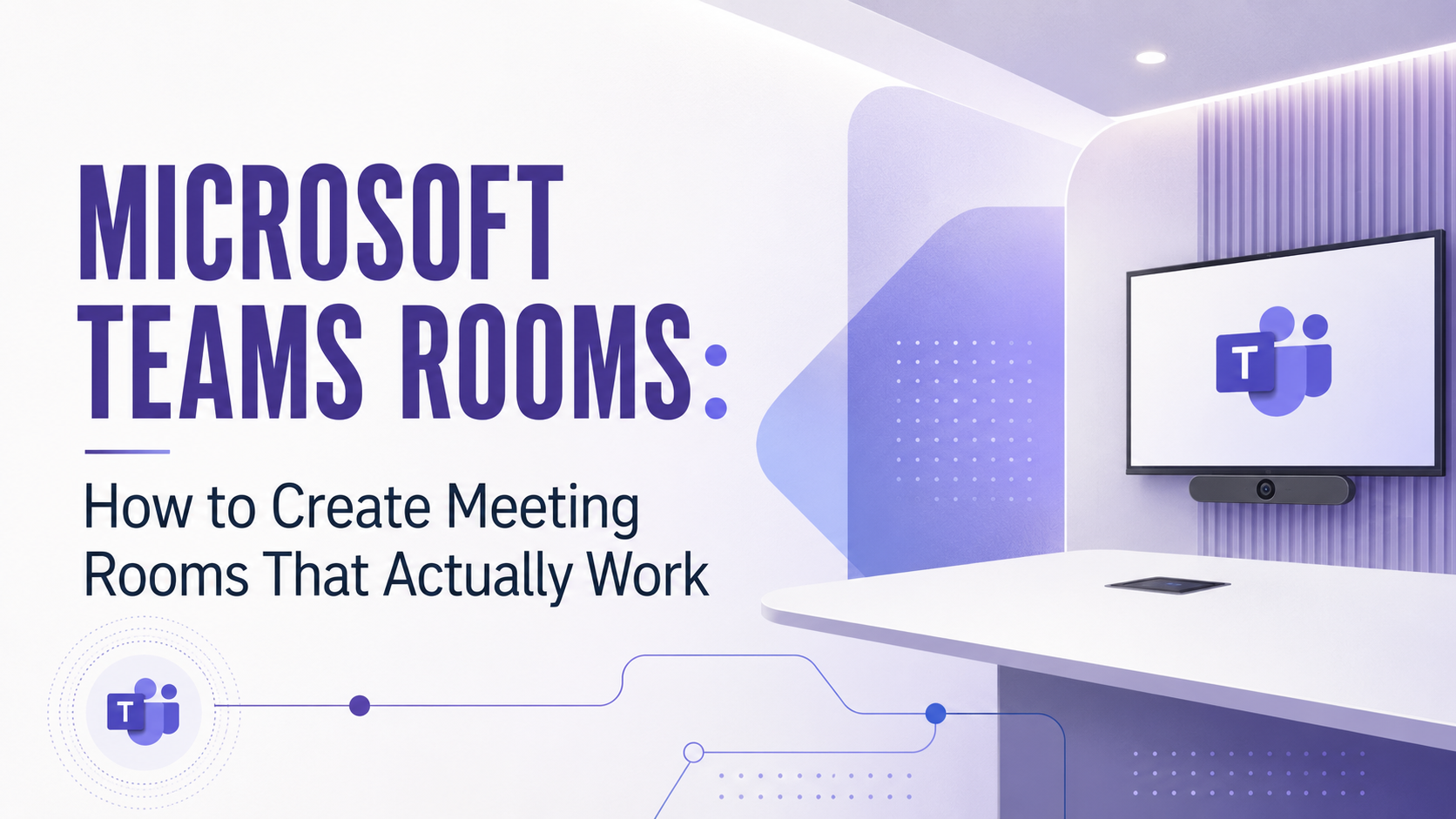
Equipping meeting rooms with professional video conferencing tools ensures smooth collaboration with remote teams and clients. Whether you need a setup for a small huddle room or a large conference space, an IT partner like ITAF can handle everything from hardware and software selection to installation and configuration. From displays, cameras, and microphones to video conferencing platforms and security measures, we provide complete solutions tailored to your space and needs, with expert installation and ongoing support from day one.
What Is Fiber Splicing and Termination?
Fiber splicing and termination are the technical processes of connecting fiber optic cables and preparing them for network hardware integration.
For high-speed internet, fiber splicing and termination are essential services. Fiber ensures fast, reliable connectivity that supports the growing demands of your business. Proper installation of fiber-related hardware, such as patch panels, switches, SFPs, and media converters, will help ensure uninterrupted access and fast data transfer.
How Can ITAF’s Onsite IT Services Support This Setup?
ITAF offers onsite IT services to support your office opening. From structured cabling and rack management to video conferencing and network security, our experts handle every detail to get your workspace up and running efficiently.
Ready to open your new office with confidence? Contact ITAF for a consultation today.
FAQ
What is onsite IT setup for a new office?
It is the process of physically installing and configuring core technology systems so staff can work productively from day one.
Why is structured cabling needed?
Structured cabling ensures strong and consistent connectivity for wired and wireless devices throughout the workspace.
What does rack management achieve?
Rack management organizes hardware to improve airflow, simplify maintenance, and prevent cable tangling.
When should wireless point-to-point links be used?
When multiple separate buildings need secure, high-speed connectivity without buried cables.
What systems are included in video conferencing setup?
Displays, cameras, microphones, and conferencing software configured for the specific room size and use case.