Hacked? What Next?
Business Checklist
Don’t panic. Act fast. Contain damage. Protect data. Recover safely.
Step 1
Evaluate the Situation


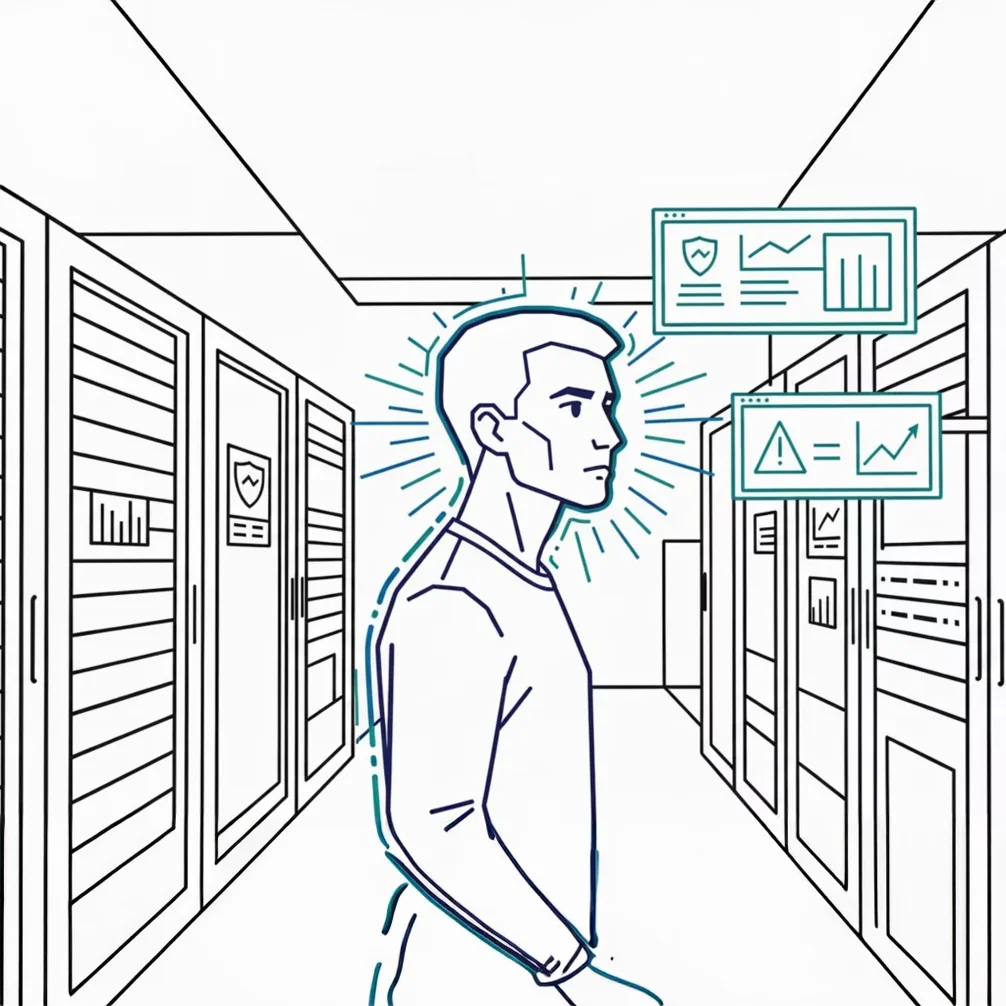
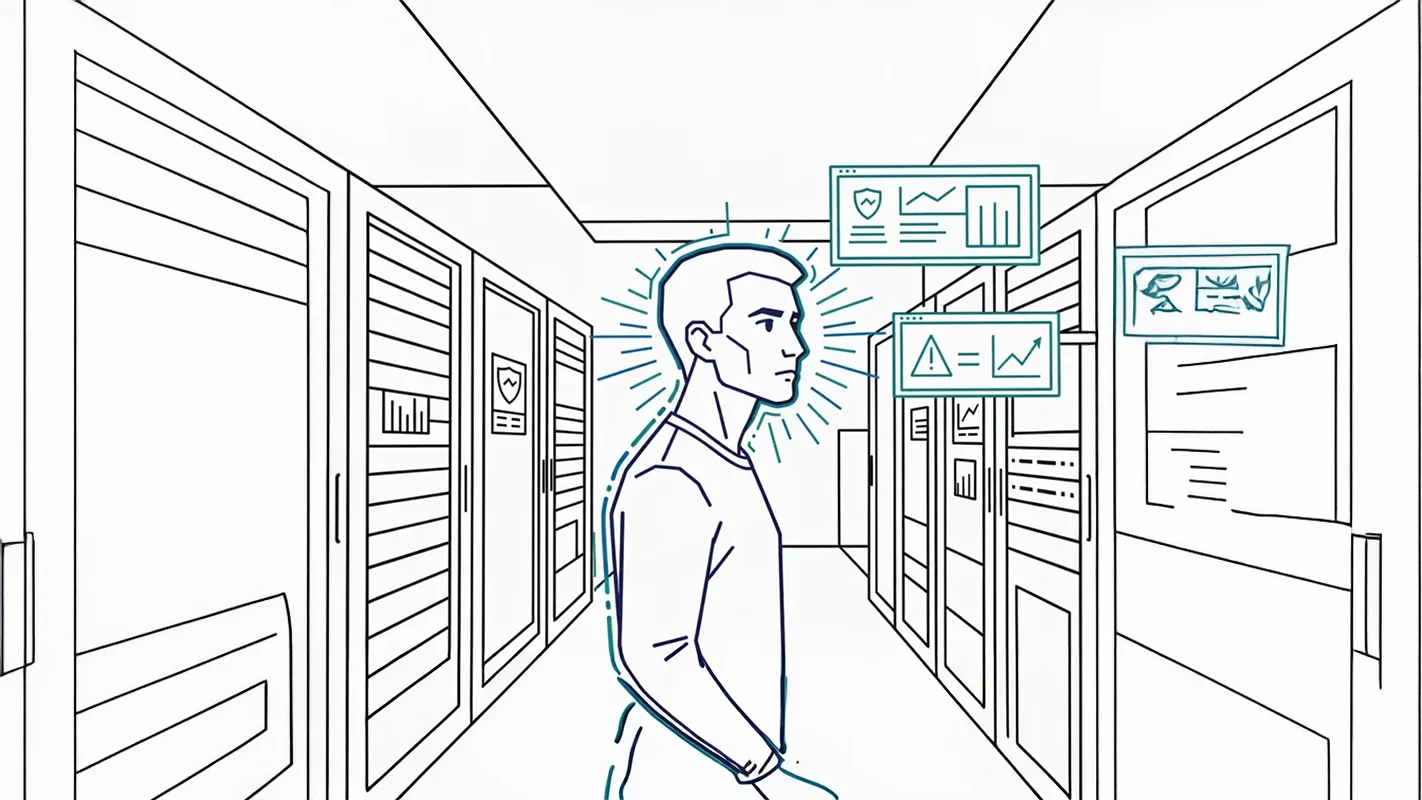
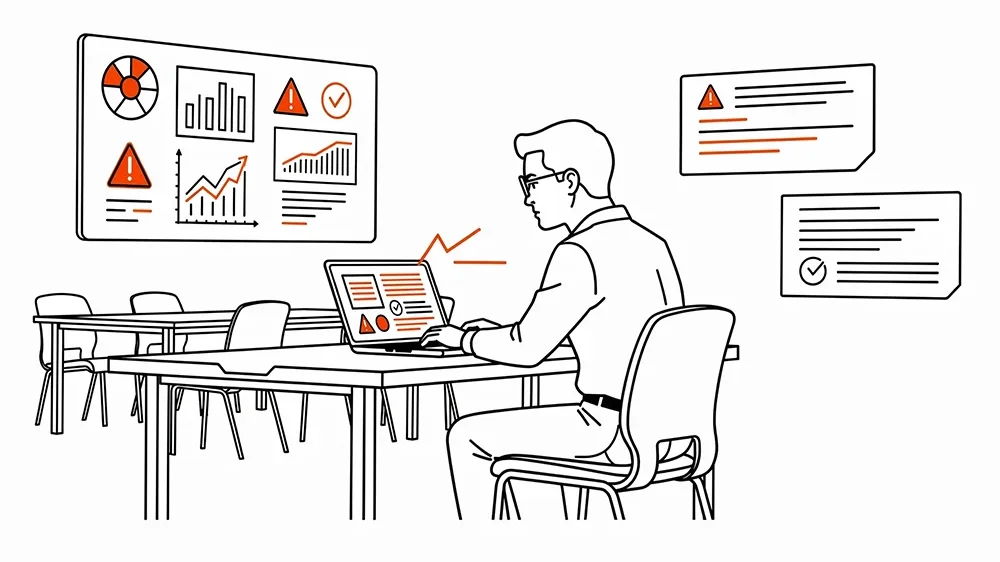
Recognize Signs
Suspicious emails, encrypted files, resets?
Stay Calm
No panic. Contain. Follow steps.
Identify Systems
Compromised devices, servers, accounts...
Step 2
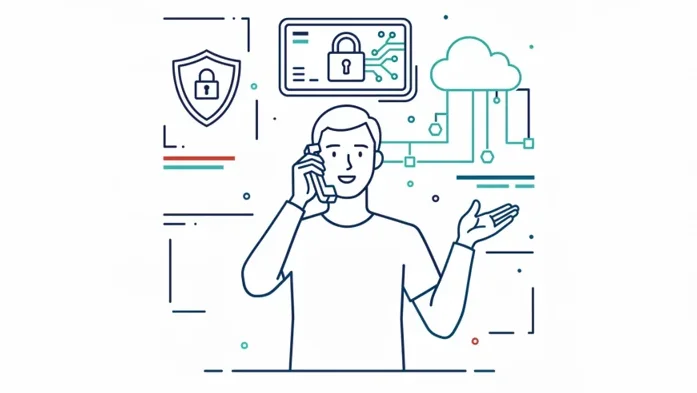
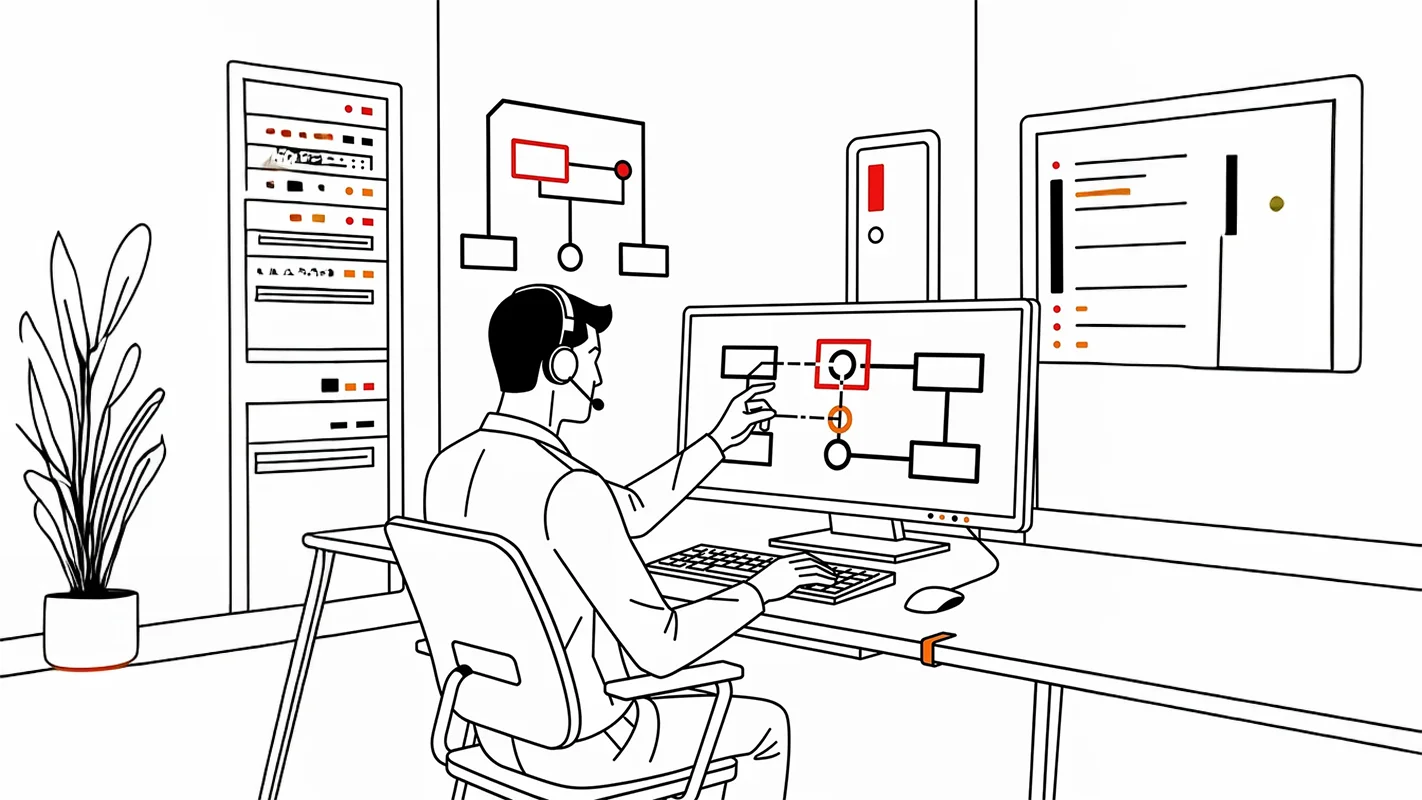
Call Your IT Partner Immediately
Why Act Fast?
IT partners assess breaches, and prevent damage. Delay increases risk and cost.
Benefits: rapid containment, forensic analysis, damage limitation, coordinated response.
Professional IT support prevents catastrophic data loss.


Step 3
Isolate the Problem


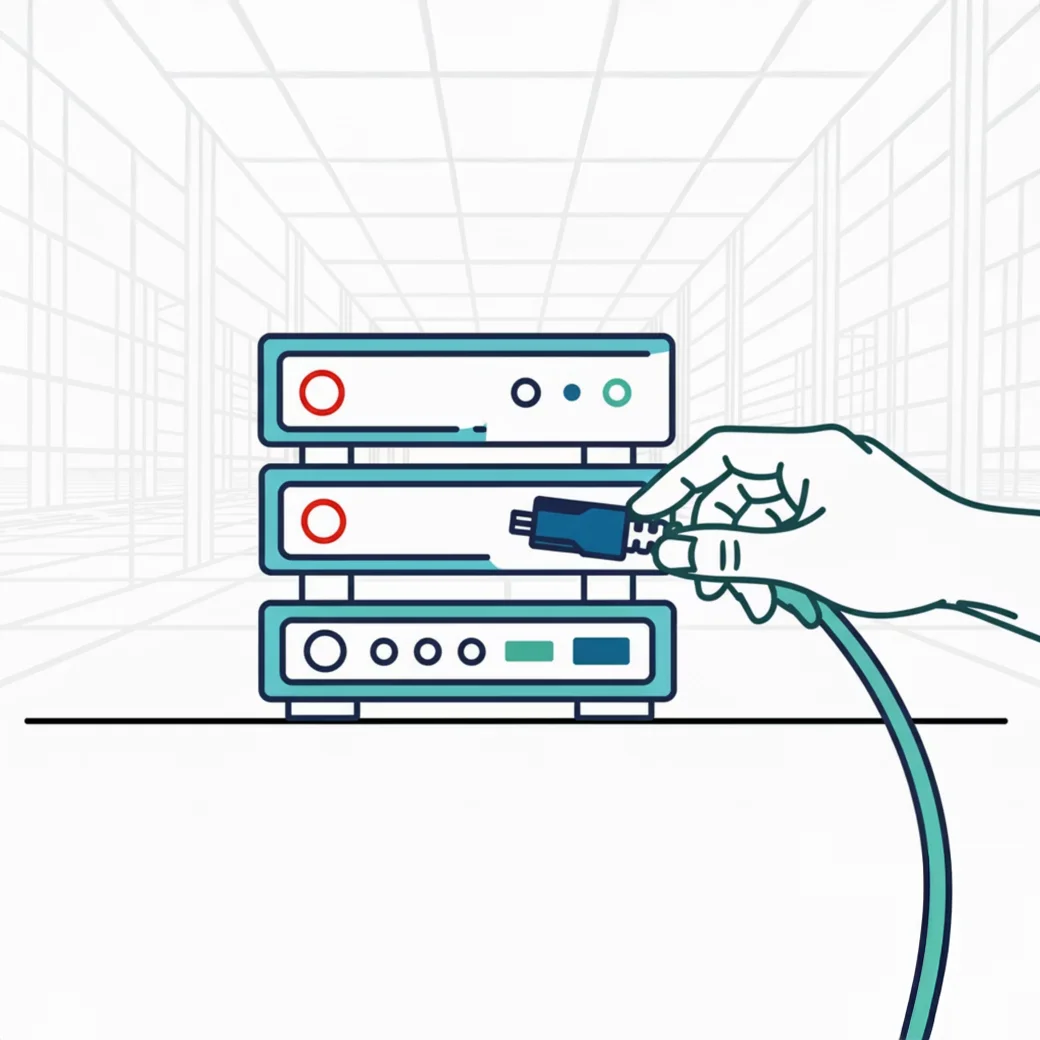
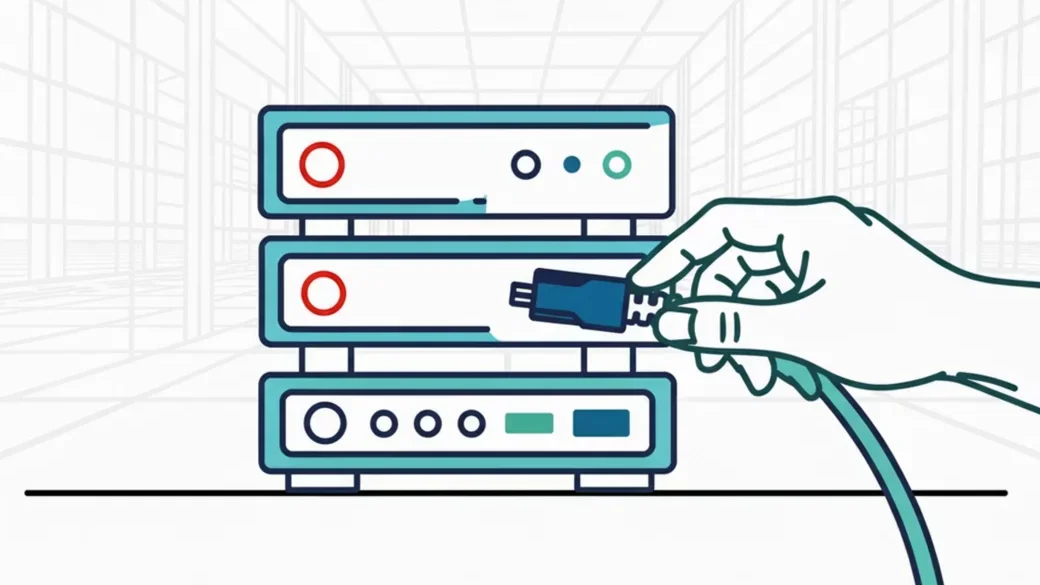
Disconnect Devices
Unplug affected devices. Disable Wi-Fi. Stop spread.
Isolation prevents network spread. Act fast, document actions.
Step 4
Secure Accounts & Passwords
Reset Administrator Accounts
Reset admin passwords.
Use Strong Credentials
Strong, unique passwords. Use password manager.
Verify Multi-Factor Authentication
Verify MFA. Remove unauthorized methods.


Step 5
Inform Your Team
Communication is critical: Keep team informed. They are your first line of defense.


No Suspicious Clicks
Report Issues Immediately
Simple, blame-free reporting.
Avoid Reconnection
Wait for IT clearance.
Step 6
Follow IT Partner Guidance
Your IT partner will assess the situation and guide you through the recovery process.
Assess the Situation
Your IT partner will assess the situation.
Further Steps
They'll tell you what further steps are necessary.
Follow Recommendations
Follow their recommendations carefully.
Trust Expertise
Trust their expertise.


Step 7
Fix the Root Cause
Prevention over recovery. Fix vulnerabilities now.


Weak Passwords
Enforce strong password policies. Use password managers.
Missing MFA
Enable MFA for all accounts, especially admin/email.
Unpatched Systems
Patch systems regularly. Keep all software updated.
Training Gaps
Regular cybersecurity training. Educated staff are key.
Understanding the Response Process
What Your IT Partner Does
Your IT partner follows a proven protocol to contain breaches, protect your data, and restore operations. Here’s what happens step-by-step.
Step 1
They Assess the Situation


Gather Information
Evaluate the Damage
Set Up Communication
Step 2
They Contain the Breach
Why This Happens First
Your IT partner isolates compromised systems to stop the attack from spreading. Quick containment limits damage and protects unaffected systems.
- Stops spread
- Protects systems
- Preserves evidence


Step 3
They Isolate & Investigate


Separate Affected Systems
Preserve Evidence
Find the Entry Point
Step 4
They Secure Your Accounts
Reset Admin Passwords
Update Email & Cloud Access
Create Strong Passwords
Verify Security Settings


Step 5
They Keep You Informed


Regular Updates
Clear Guidance
Complete Documentation
Step 6
They Handle Compliance
Document Everything
Check Legal Requirements
Prepare Notifications


Step 7
They Restore Your Systems


Check Your Backups
Rebuild Affected Systems
Test Everything
Step 8
They Strengthen Your Defenses
Fix Vulnerabilities
Add Multi-Factor Authentication
Improve Monitoring
Update Security Rules


Step 9
They Help You Learn & Improve


Review what happened, share lessons learned, and train your team to prevent future incidents.