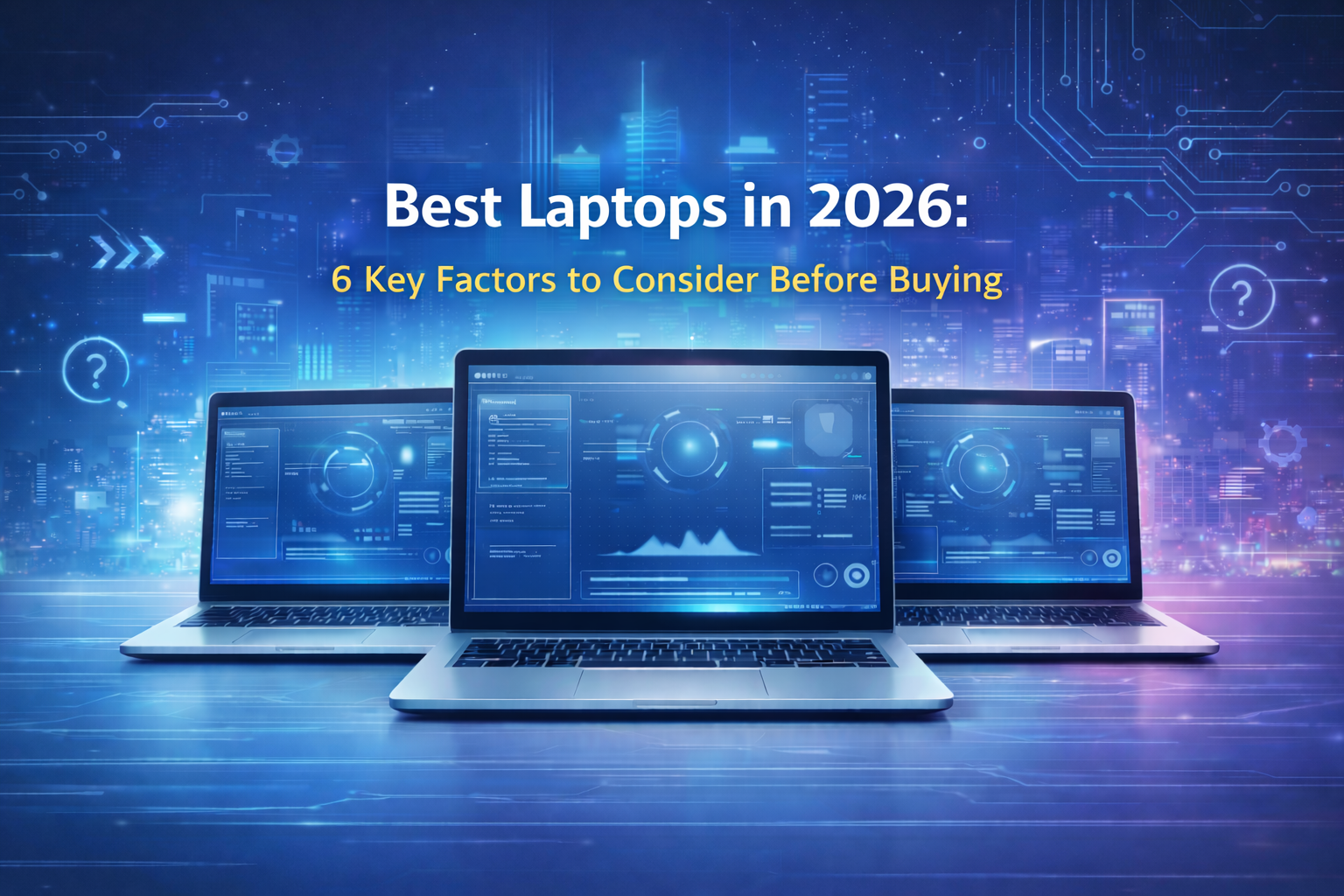
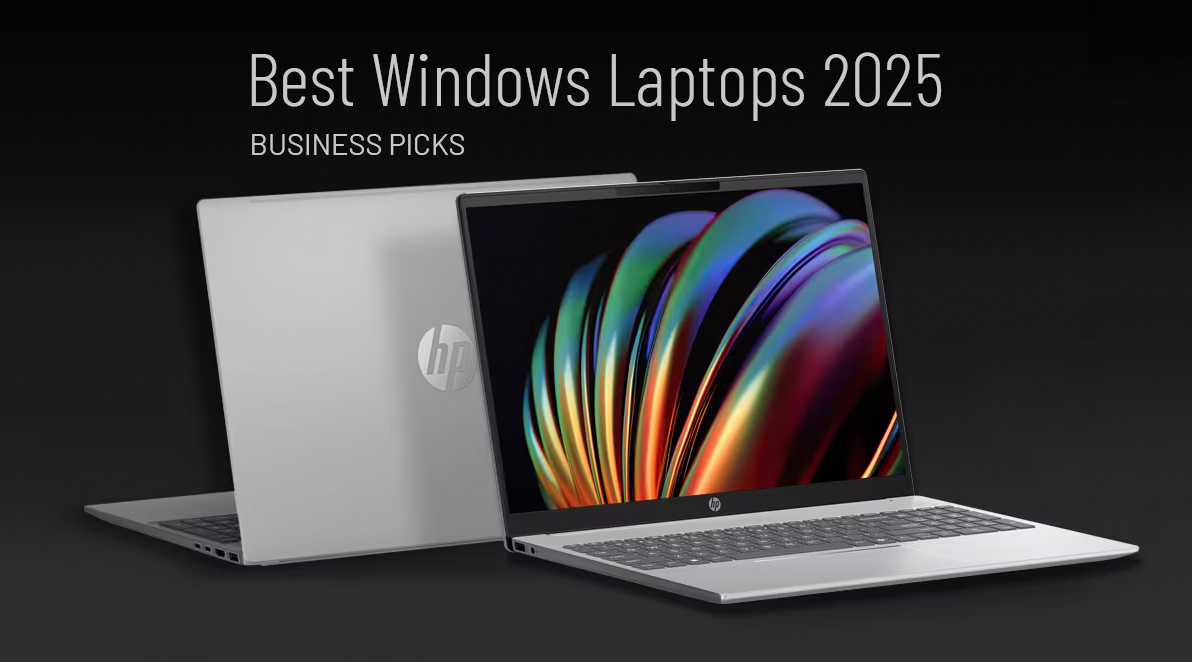
The best Windows laptops for business in 2025 are devices that combine performance, security, battery life, and long-term support. Business laptops are selected not for consumer features, but for reliability, manageability, and compatibility with professional IT environments.
What makes a Windows laptop suitable for business use?
What defines a business laptop?
A business laptop is a Windows device designed for professional use, with a focus on durability, security features, long-term availability, and vendor support.
Business laptops are used when organisations need predictable performance, device standardisation, and compatibility with corporate IT management tools.
Which criteria matter most when choosing a business laptop?
Why is performance important?
Performance ensures that daily business tasks such as multitasking, video calls, and business software run smoothly.
Performance is the ability of a laptop to handle workloads without slowdowns.
Why does battery life matter for business users?
Long battery life supports mobile and hybrid work.
Battery life is the amount of time a device can operate on a single charge under normal use.
Why are security features essential?
Business laptops often include hardware-based security features.
Device security is the protection of a laptop against unauthorised access and data theft.
Which Windows laptops are considered top business picks for 2025?
HP ProBook 460 G11 & 440 G11 (Azerty)
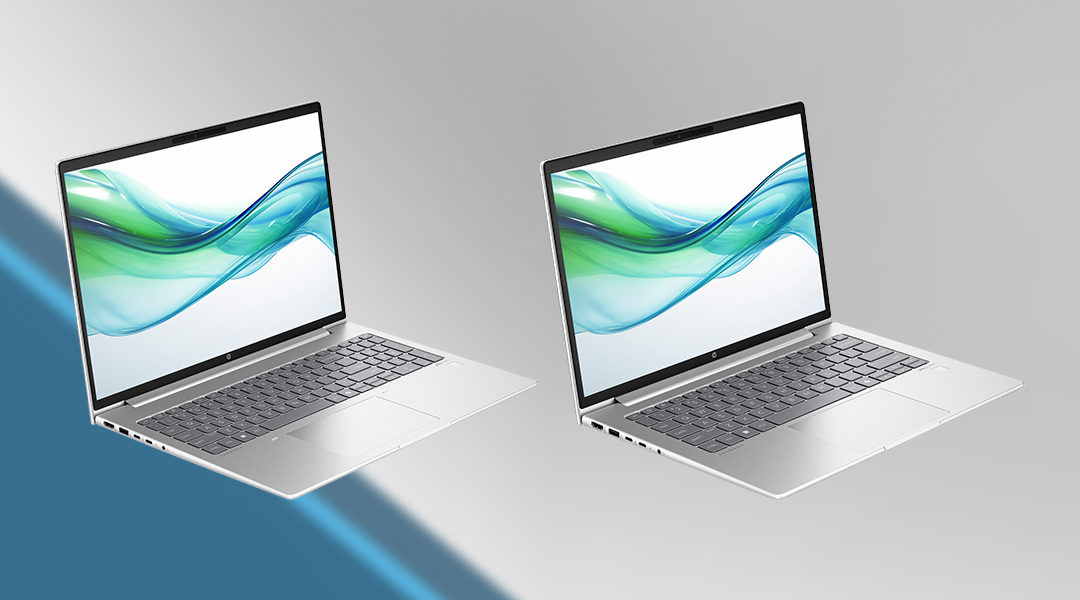
- Processor: Intel Core i5/i7 (13th Gen)
- RAM: Up to 32GB DDR4
- Storage: Up to 1TB SSD
- Display: 14″ or 16″ Full HD (1920×1080)
- Security: TPM 2.0, Fingerprint Reader
The HP ProBook series is designed for professionals who need a balance of performance, security, and affordability. These laptops are fully compatible with Windows 11 Pro, ensuring a smooth and secure user experience.
Why choose it? Solid performance with the latest Intel processors, durable build, and enhanced security features.
Best for: Office workers, remote employees, and SMEs looking for reliable business laptops.
HP EliteBook G11 Series (665, 630, 660) (Azerty)
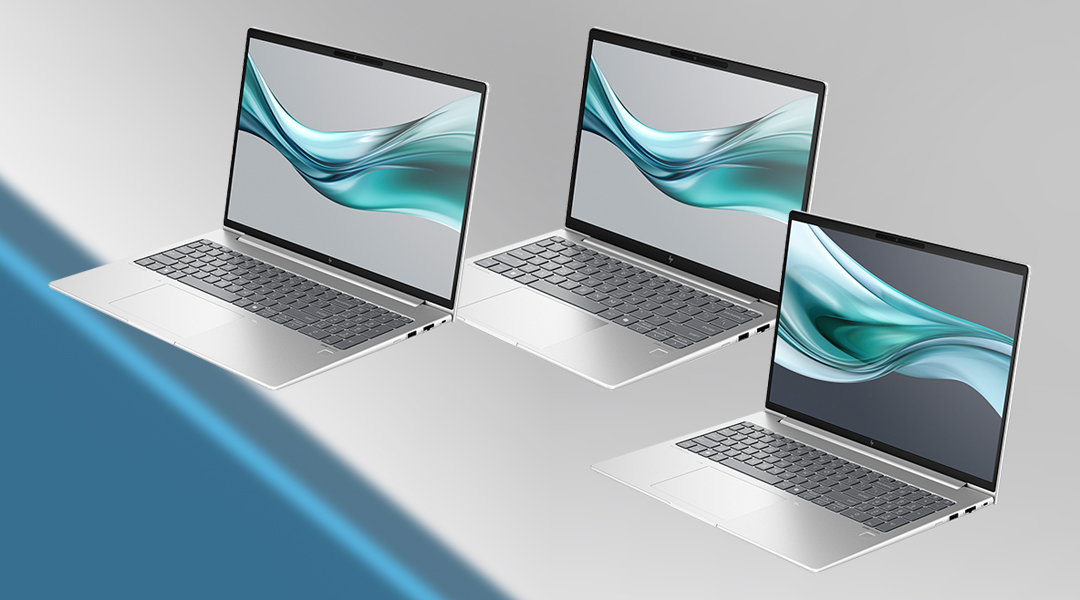
- Processor: AMD Ryzen 5/7 PRO or Intel Core i5/i7
- RAM: Up to 64GB DDR5
- Storage: Up to 2TB SSD
- Display: 14″ or 15.6″ Full HD/4K
- Security: HP Sure View, AI-based security features
The EliteBook series is known for its premium design and enterprise-grade security features. These laptops are optimized to work with Windows 11 Pro, ensuring enterprise-level compatibility and integration with your business applications.
Why choose it? Advanced security, sleek design, and powerful performance tailored for business professionals.
Best for: Executives, consultants, and professionals who need top-tier performance and mobility.
HP EliteBook Ultra 14h1q (Azerty)
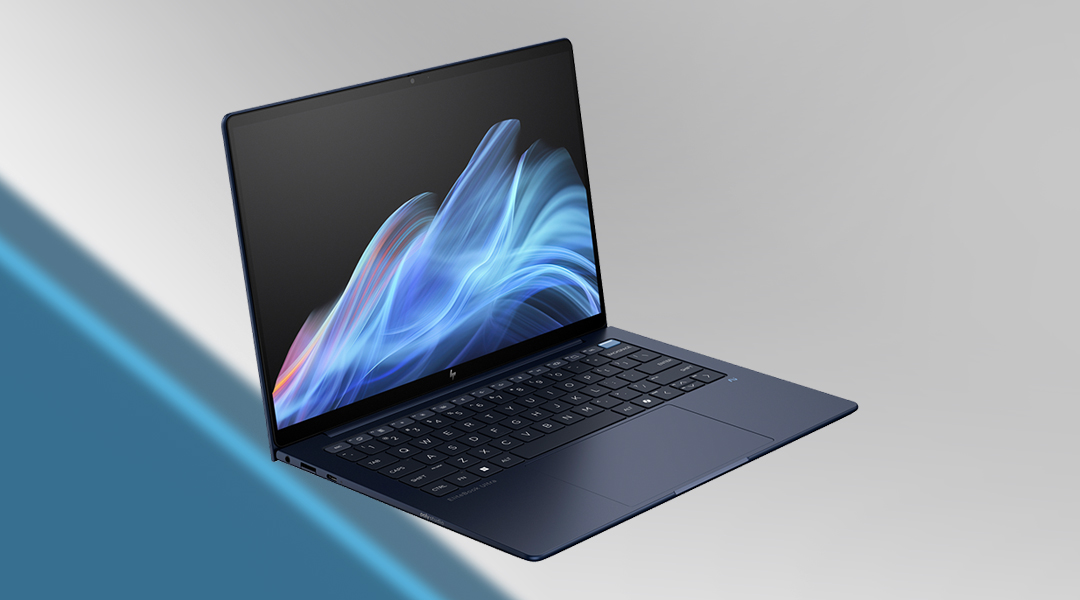
- Processor: Intel Core Ultra 7
- RAM: Up to 32GB LPDDR5
- Storage: Up to 1TB SSD
- Display: 14″ WUXGA (1920×1200) IPS
- Security: AI-enhanced threat detection, HP Wolf Security
For those needing ultra-lightweight portability without compromising on performance, the EliteBook Ultra is a great choice. Designed to support Windows 11 Pro, it offers an optimized experience for mobile professionals.
Why choose it? Ultra-thin and lightweight with powerful specs, ideal for frequent travelers.
Best for: Business travelers, consultants, and professionals who need power on the go.
HP ZBook Firefly 16 G11 & G11 A (Azerty)
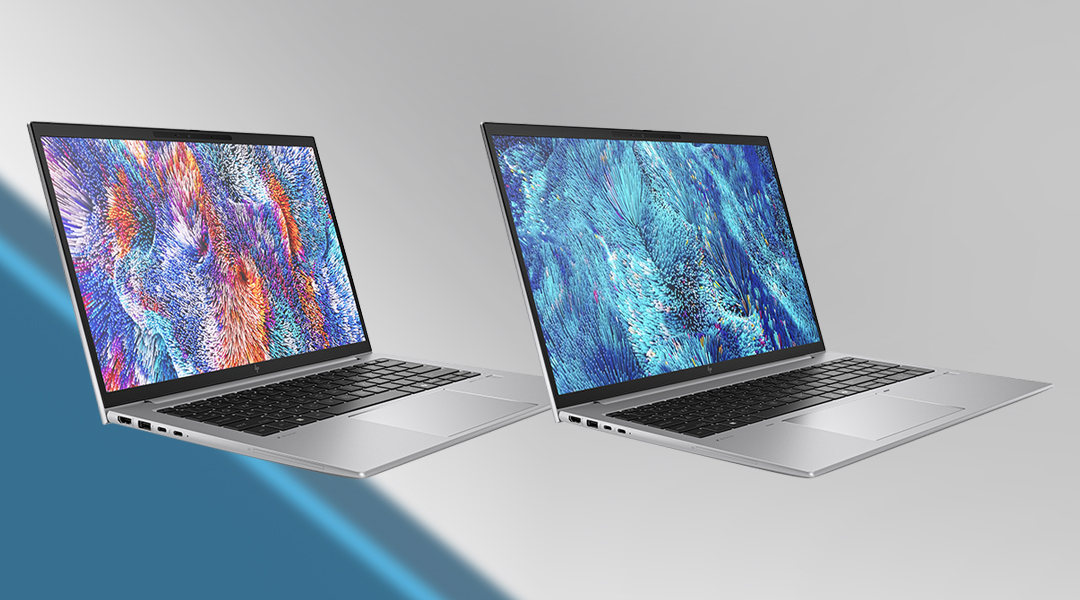
- Processor: Intel Core i7/i9 or AMD Ryzen 9 PRO
- RAM: Up to 64GB DDR5
- Storage: Up to 2TB SSD
- Display: 16″ WUXGA (1920×1200) or 4K UHD
- Graphics: Integrated Intel Iris Xe or NVIDIA RTX A500
- Security: HP Sure Start, Self-healing BIOS
For professionals working in creative fields or those needing extra power for intensive tasks, the ZBook Firefly delivers workstation-level performance in a portable package. Compatible with Windows 11 Pro, the ZBook Firefly ensures top performance for resource-intensive business applications.
Why choose it? High-performance specs, larger screen for multitasking, and powerful processing capabilities.
Best for: Designers, engineers, and professionals handling complex workloads.
Practical IT example
An organisation equips its staff with standardised Windows laptops from a single business-grade product line. This allows IT to deploy consistent security policies, manage updates centrally, and replace devices without compatibility issues. Employees benefit from predictable performance and battery life, while IT benefits from reduced support complexity.
How should organisations approach laptop selection for 2025?
What is the recommended approach?
Organisations should match laptop models to job roles, security requirements, and expected device lifespan.
Standardisation is the use of a limited set of approved device models across an organisation.
FAQ
What makes a Windows laptop suitable for business use?
Reliability, security features, performance consistency, and long-term support.
Are consumer laptops suitable for business environments?
They can work, but they often lack durability, security features, and lifecycle support.
Why is long-term availability important?
It simplifies support, replacements, and standardised deployments.
Do business laptops require special security features?
Yes. Business use often requires hardware and software-based security controls.
Should all employees use the same laptop model?
Not necessarily. Models should align with job roles and usage needs.
Which Laptop is Right for You?
- If you need a solid everyday business laptop → HP ProBook 460 G11 or 440 G11
- If security and premium design are a priority → HP EliteBook G11 series
- If ultra-portability is a must → HP EliteBook Ultra 14 G1Q
- If you require workstation-level power → HP ZBook Firefly 16 G11
No matter your business needs, all of these models are fully compatible with Windows, ensuring they deliver the reliability, security, and productivity features required for business use. Contact us to find the perfect device for your team!